Claude Cowork Complete Review: Use Cases, Features & Alternatives
Claude Cowork review with features, use cases, pricing breakdown, Reddit feedback, Windows alternatives, and open-source options explained.
Explore 10 Claude Cowork alternatives in 2026. Compare access, collaboration, file safety, output quality, and pricing to find the best Claude AI alternative for real work.

Claude Cowork introduced a powerful idea: using Claude not just to chat, but to plan, execute, and complete real work—from organizing files and analyzing data to producing spreadsheets, reports, and presentations.
But because Cowork is currently limited to the Claude Desktop app on macOS, requires a Max plan subscription, and operates directly on local folders, many users are actively searching for Claude Cowork alternatives that better fit their workflow.
Some want a web-based Claude AI alternative. Others want collaboration and sharing. Others want structured outputs, templates, or lower-cost access.
In this guide, we rank the top 10 Claude Cowork alternatives in 2026, focusing on tools that help you go beyond chat and actually get work done.
People searching for claude alternatives or claude ai alternative are rarely looking for “another chatbot.” Instead, they’re usually looking for tools that can:
With those criteria in mind, here are the top alternatives.
Kuse ranks first because it addresses the core friction points of Claude Cowork without attempting to replicate its local-file agent model.
Rather than operating inside your computer’s folders, Kuse provides a web-based workspace focused on producing structured, shareable deliverables. You bring in your materials, choose what you want to create, and generate outputs that are ready to review, export, or collaborate on.
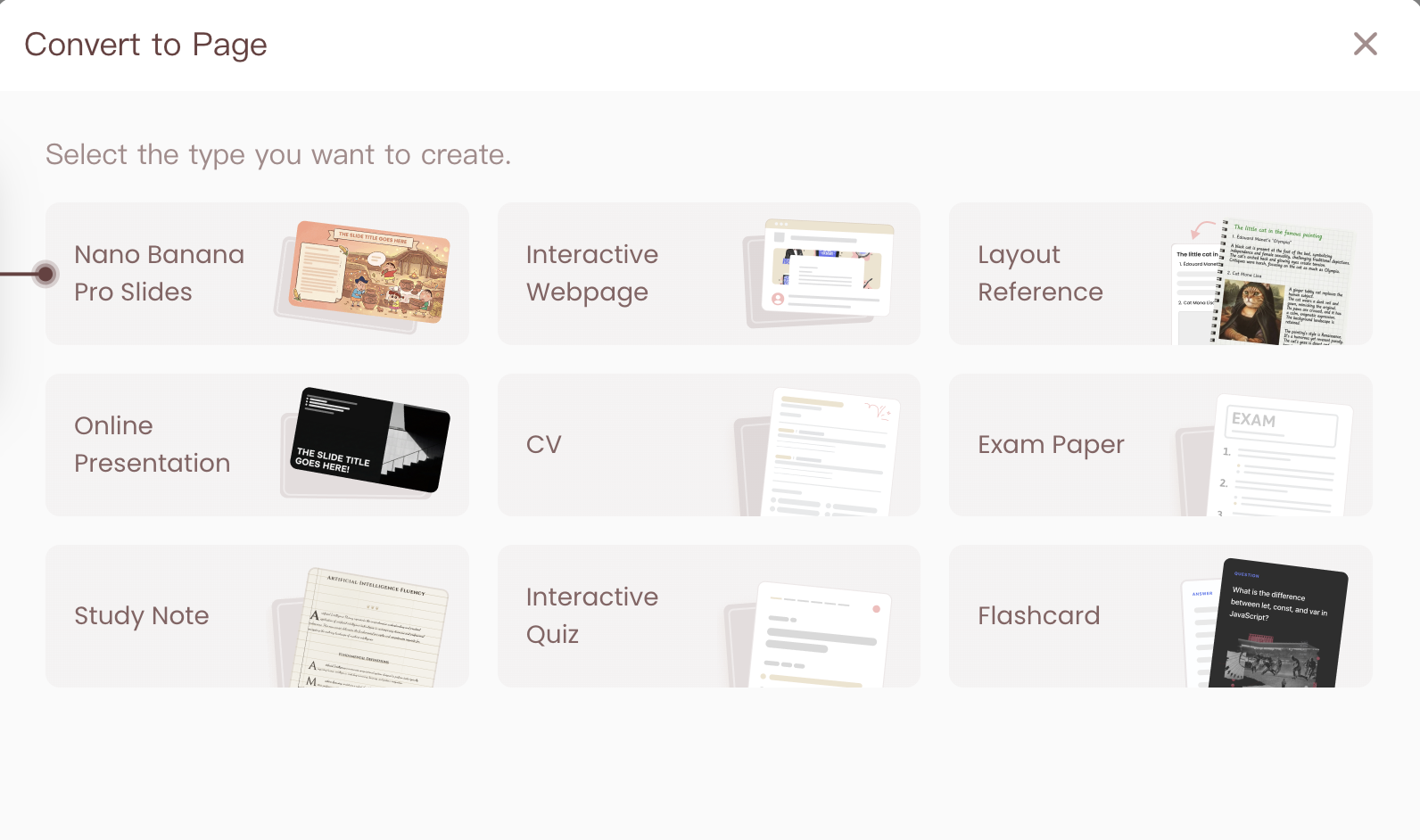
Teams and individuals who want Cowork-like outcomes—reports, spreadsheets, presentations—without macOS-only constraints, Max-plan gating, or local file risks.
You specifically want an AI agent to autonomously operate inside your local folders.
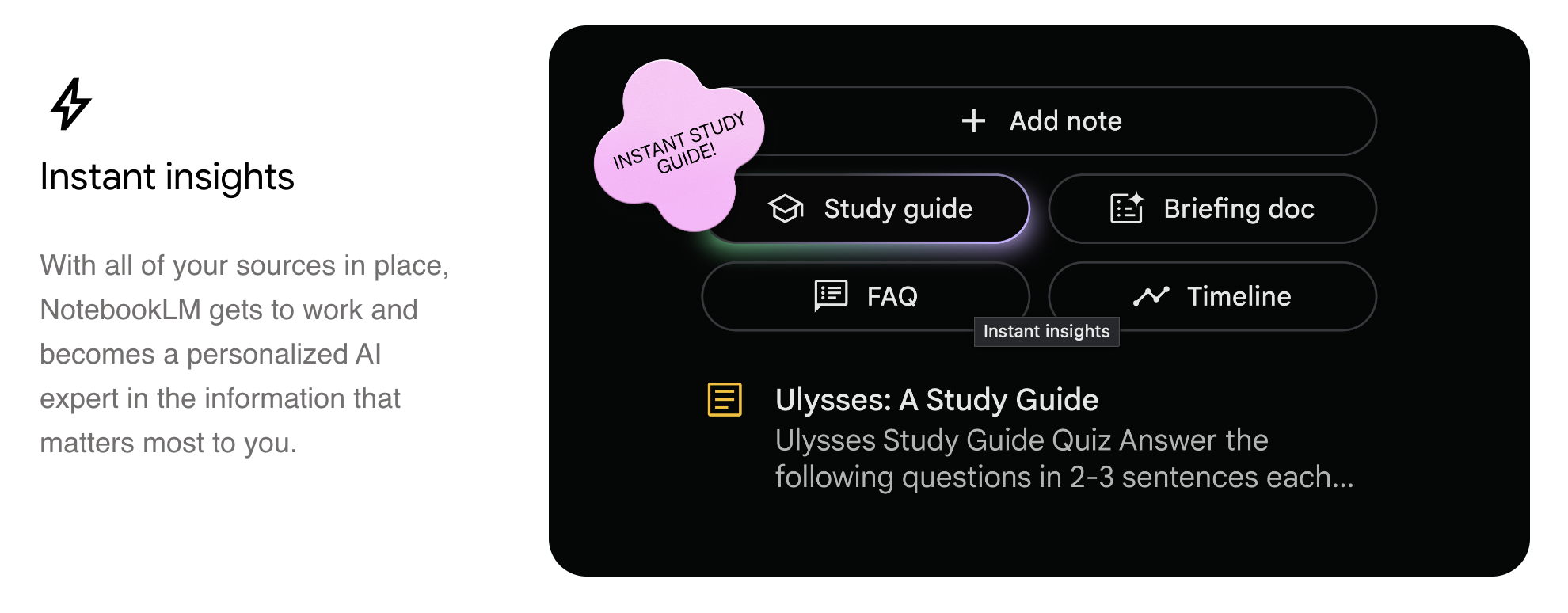
NotebookLM is Google’s research-oriented AI workspace designed to help users understand and organize information, rather than execute tasks on files.
It excels at summarization, mind maps, study guides, and audio-style overviews, making it especially useful in the early stages of thinking and learning.
Exploratory research, studying, and early-stage synthesis before writing or presenting.
ChatGPT remains a strong Claude Cowork alternative for users who need flexibility across text, images, data reasoning, and ideation, even though it doesn’t execute agentic tasks.
It works best when users want to move quickly between brainstorming, drafting, and refinement across different content types.
General-purpose creation, ideation, and mixed creative workflows.
Notion AI is embedded inside a popular productivity platform, making it a natural alternative for teams already using Notion to manage documents, databases, and internal knowledge.
Teams managing internal knowledge bases and shared documentation.
Obsidian combined with AI plugins offers a highly customizable alternative for users who want deep control over their knowledge systems.
Advanced users comfortable building and maintaining their own workflows.

Logically is designed specifically for research-to-writing workflows, with tools for reference management, annotation, and structured academic writing.
Students and researchers writing papers, theses, or literature reviews.
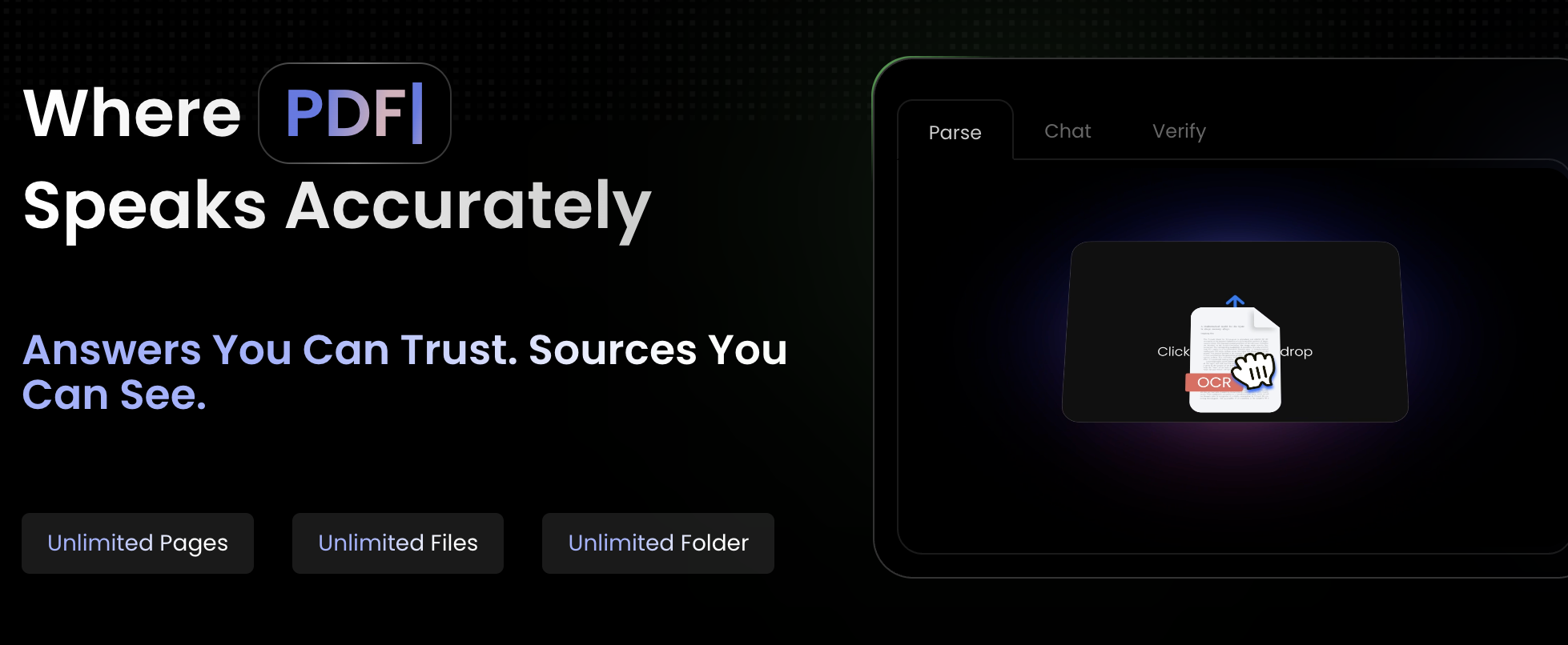
ChatDOC focuses on one core use case: helping users understand uploaded documents quickly through AI-powered Q&A.
Quick document review and understanding.
Humata AI specializes in reading, summarizing, and extracting insights from large or technical PDFs.
Professionals working with dense PDFs.
Perplexity blends AI reasoning with live web search, making it useful for gathering and synthesizing information quickly.
Research workflows that start from the open web.
SciSpace focuses on helping users understand academic papers through explanations, summaries, and structured breakdowns.
Reading and understanding academic literature.
Your choice should depend less on features and more on how you want work to happen:
Claude Cowork review with features, use cases, pricing breakdown, Reddit feedback, Windows alternatives, and open-source options explained.
Is Claude Cowork worth it? Full review of features, real-world use cases, pricing, and the best Windows & open-source alternatives like Kuse.
Compare Claude Cowork and Kuse in 2026 by access, file safety, output quality, collaboration, and pricing for real workflows including reports, spreadsheets, and presentations.
Explore 8 real use cases of Claude Cowork from file organization to research synthesis and spreadsheet automation. Learn how agentic AI works in practice and when you need an alternative.