AI Coworker Use Cases: 10 esempi concreti per il tuo team
Scopri 10 casi d uso pratici per un AI coworker in sales, marketing, operations, product, admin, ricerca, report e knowledge management.
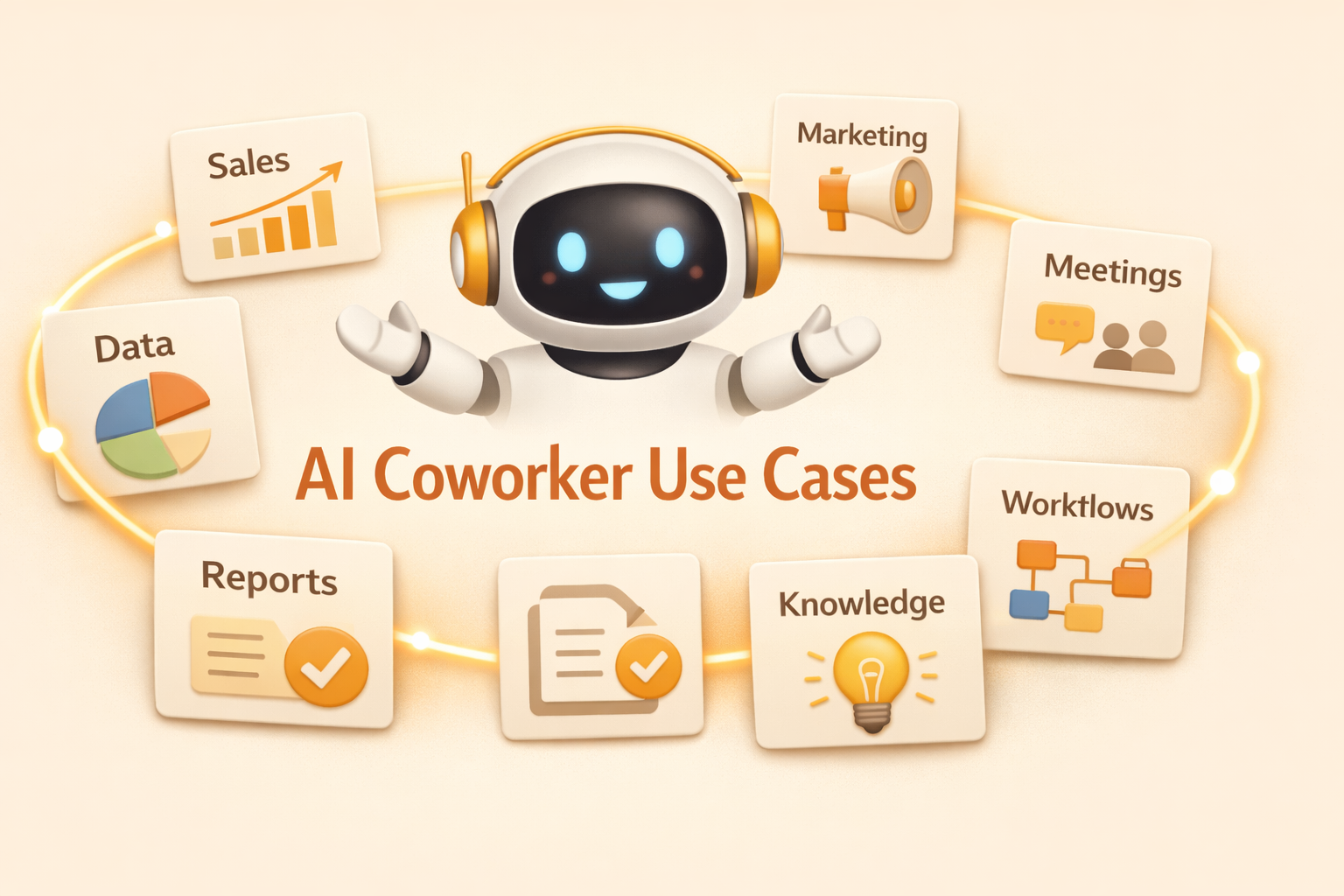
AI Coworker Use Cases: 10 esempi concreti per il tuo team
Risposta breve
An AI coworker is most useful when the work has three ingredients: repeated context, a clear output, and enough judgment that a simple automation rule is not enough. Good use cases include sales prep, prospect research, content repurposing, status reports, meeting follow-up, knowledge management, data cleanup, research briefs, SOP creation, and recurring workflow tracking.
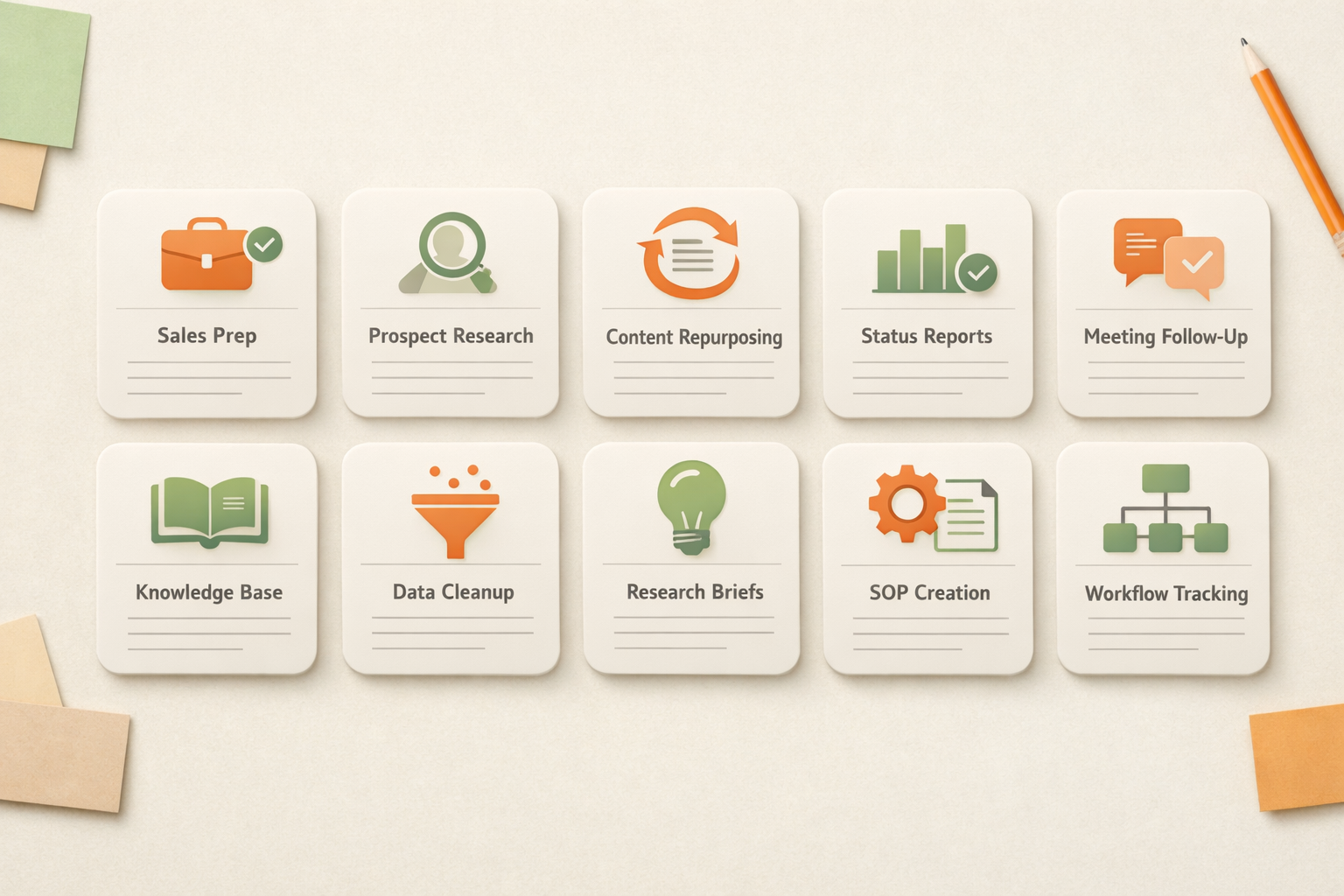
Casi d uso AI coworker in sintesi
| Use case | Best team | Output | Why it matters |
|---|---|---|---|
| Sales meeting prep | Sales and founders | Account brief, contact notes, talking points | Walk into calls prepared without manual research |
| Prospect research | Sales and GTM | Qualified account list, signals, suggested outreach | Find better leads with less spreadsheet work |
| Content repurposing | Marketing | Social posts, newsletter drafts, slides | Get more value from every asset |
| Status reports | Operations and product | Weekly update, blockers, next steps | Replace manual reporting |
| Meeting follow-up | Any team | Notes, decisions, action items | Make meetings actionable |
| Knowledge base | Operations and support | Organized knowledge pages | Keep decisions searchable |
| Data cleanup | Ops and finance | Clean tables, categories, summaries | Turn messy inputs into usable data |
| Research briefs | Product, marketing, strategy | Brief with sources and recommendations | Move faster from question to decision |
| SOP creation | Operations and admin | Standard operating procedure | Convert scattered context into process |
| Workflow tracking | Managers and operators | Recurring output folder and review notes | Keep work moving |
Come scegliere il caso d uso giusto
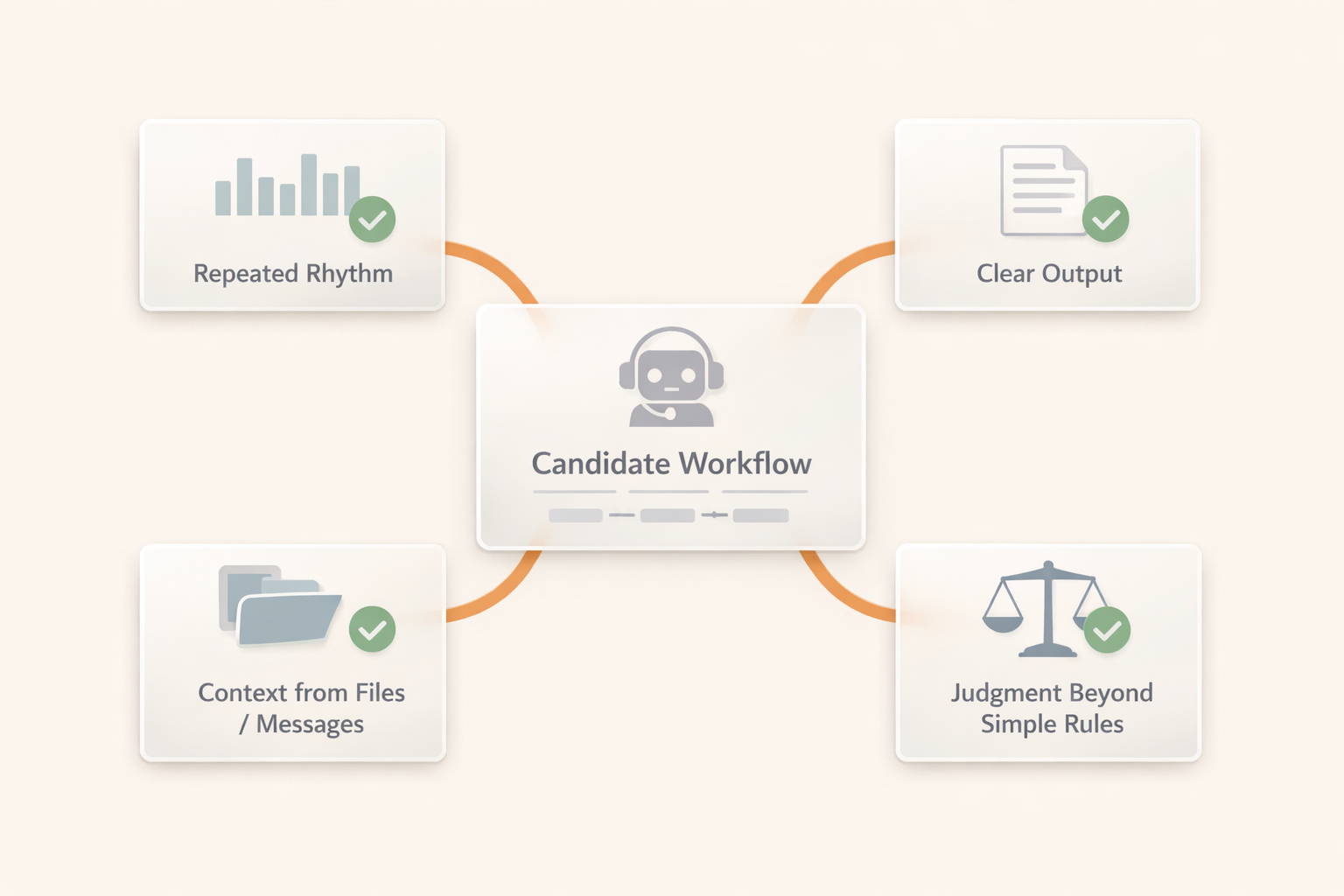
Choose a use case by asking four questions. Is the work repeated every week or month? Does it require reading files, messages, or prior outputs? Does the team need a finished deliverable, not just a chat answer? Would the process improve if the AI remembered examples and preferences over time? If the answer is yes to at least two, it is a strong AI coworker candidate.
1. Preparare ogni riunione commerciale
A sales call usually needs company context, recent news, CRM notes, previous emails, and likely objections. An AI coworker can gather these inputs and produce a concise prep brief before each call. The output can include who the company is, why now is relevant, what pain points to test, what objections may appear, and which follow-up angle to use.
2. Ricercare prospect e account
Prospecting is not just scraping names. A useful AI coworker can read company pages, funding news, job posts, LinkedIn snippets, CRM history, and ICP rules, then rank accounts by fit. Instead of a raw list, the team gets a qualified view with rationale, evidence, and suggested next action.
3. Riutilizzare contenuti su più canali
Marketing teams often create one strong asset, then spend hours turning it into posts, newsletters, ads, sales snippets, and slides. An AI coworker can take the original source and generate channel-specific drafts while preserving the same message. This works especially well when the team gives examples of tone, structure, and approved claims.
4. Scrivere report settimanali
Weekly reports are a classic AI coworker use case because the work repeats, the structure is stable, and the inputs are scattered. Kuse can pull updates from notes, files, project docs, and previous reports, then draft what changed, what is blocked, what shipped, and what needs attention next.
5. Trasformare riunioni in piani d azione
Meeting notes only become useful when they are connected to decisions and next steps. An AI coworker can turn meeting content into decisions, open questions, owners, deadlines, and follow-up drafts. The point is not transcription. The point is making sure the meeting changes what the team does next.
6. Creare una knowledge base viva
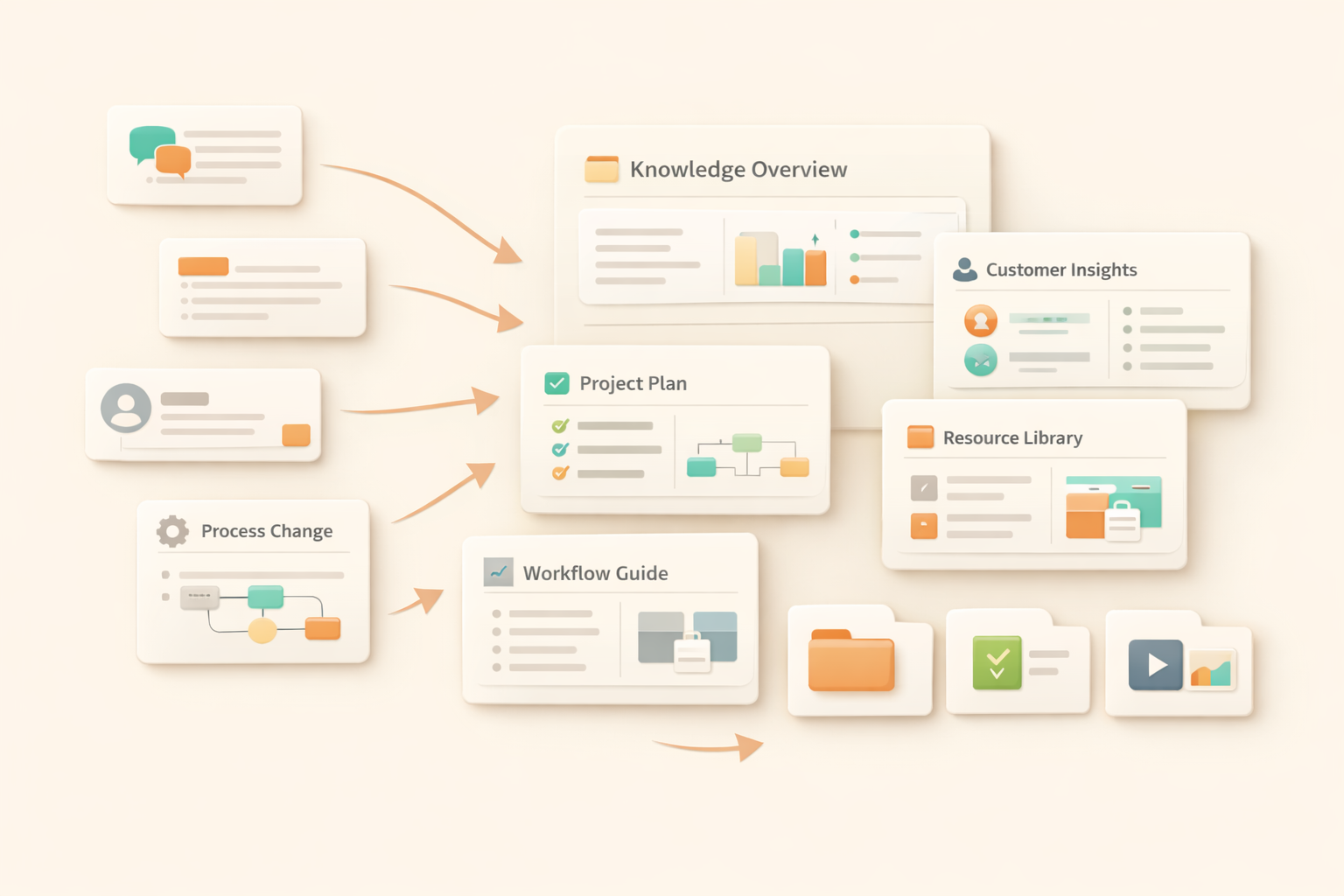
A living knowledge base is different from a static wiki. The AI coworker can keep track of recurring decisions, customer context, process changes, and product notes, then organize them into pages that people can actually search and reuse. This is valuable when knowledge is currently trapped in Slack, docs, calls, and personal memory.
7. Pulire e strutturare dati disordinati
Messy tables, CSV files, form exports, receipt lists, and CRM notes can block teams for hours. An AI coworker can standardize fields, deduplicate records, categorize rows, extract missing information, and explain what changed. The best output is not just a cleaned file, but a short note explaining assumptions and exceptions.
8. Preparare brief di ricerca su clienti o mercato
Research work often starts with a broad question and ends with a decision. An AI coworker can collect sources, summarize patterns, compare options, and produce a recommendation brief. For product teams, that might be user feedback synthesis. For marketing, competitor messaging. For founders, market landscape and positioning.
9. Creare SOP interne da contesto sparso
Many teams have processes that live in someone’s head. An AI coworker can read meeting notes, Slack threads, docs, and example outputs, then turn them into a step-by-step SOP. This is stronger than a generic SOP generator because it uses the team’s actual context and produces a process people can follow.
10. Monitorare workflow ricorrenti senza inseguire persone
The best AI coworker workflows do not happen once. They run on a rhythm. For example, every Monday it can check project updates, every morning it can prepare sales briefs, or every Friday it can create a customer summary. The output should live in a folder, so the team can review history instead of searching through chat messages.
AI coworker vs AI assistant vs automation tool
Checklist di implementazione
Step 1: Pick one repeated workflow with a clear output.
Step 2: Collect examples of good past work.
Step 3: Define the source inputs, such as files, docs, CRM notes, emails, or meeting notes.
Step 4: Write the expected output format in plain language.
Step 5: Run the workflow manually once, review the result, and correct the standard.
Step 6: Turn it into a recurring workflow only after the output is reliable.
Perché questi casi funzionano in Kuse
Kuse is built around the idea that an AI coworker needs more than a chat box. It needs a file system for memory, content creation for finished deliverables, and workflow automation for recurring work. That is why these use cases are not just prompts. They become repeatable work systems with saved outputs, context, and review loops.
FAQ
What is the best first AI coworker use case?
Start with a repeated reporting, research, or preparation task where the output format is clear. Sales meeting prep, weekly reports, and content repurposing are usually strong first choices.
Can an AI coworker replace employees?
It is better to think of it as delegating repeatable knowledge work. The human still owns judgment, approval, and strategy, while the AI coworker handles research, drafting, organizing, and recurring execution.
How is an AI coworker different from ChatGPT?
ChatGPT is usually a conversation. An AI coworker should remember files, use context, create deliverables, and run recurring workflows.
How many workflows should a team start with?
Start with one or two. Teams get better results when they make one workflow reliable before adding more.
What makes a use case bad for an AI coworker?
If the work is rare, has no clear output, requires unsupported systems, or cannot be reviewed, it is not a good first use case.