Esempi di workflow AI: 10 casi reali in diversi settori
Scopri 10 esempi pratici di workflow AI per vendite, marketing, operations, finance, education, legal, consulting e altri team.
Cosa rende utile un workflow AI?
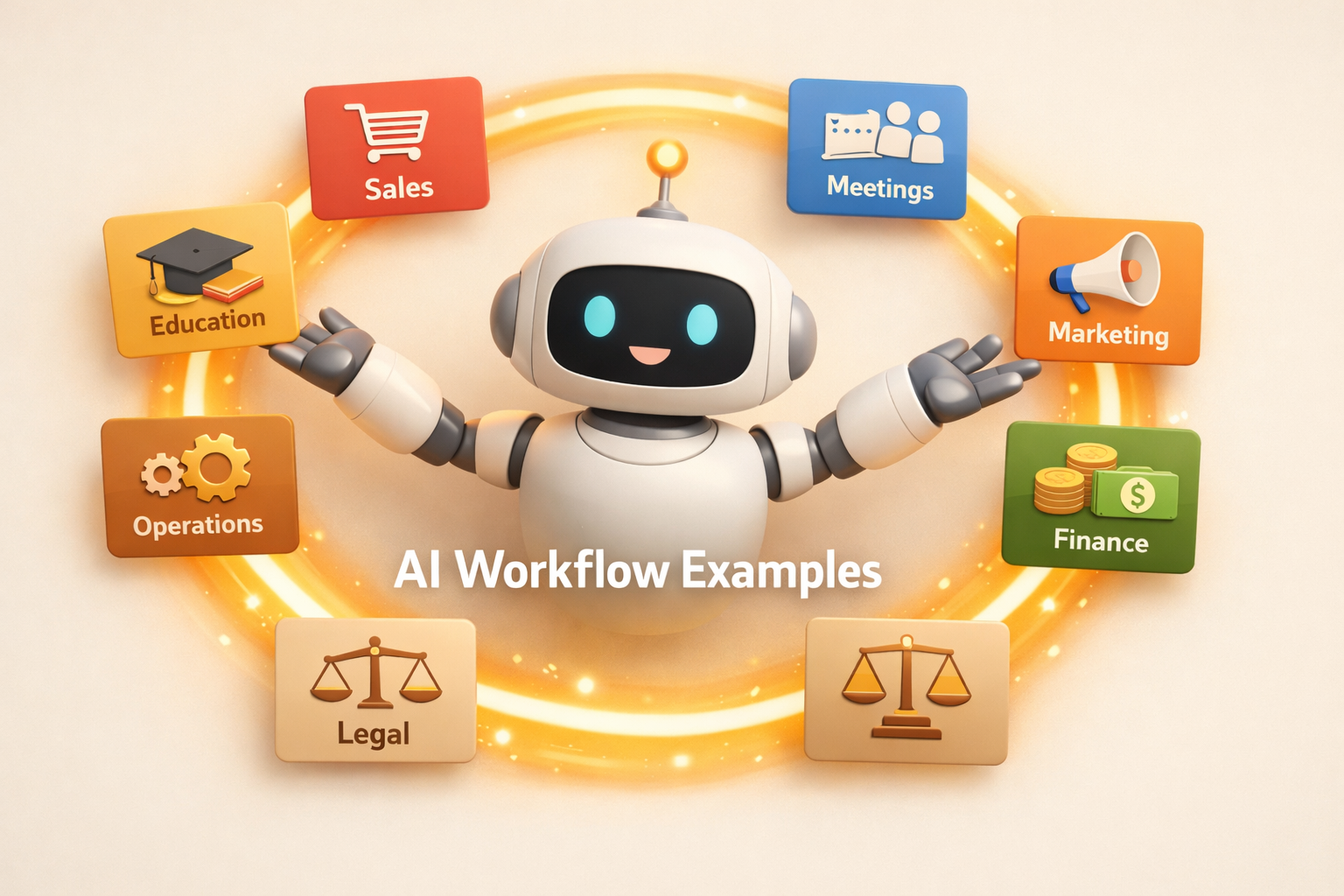
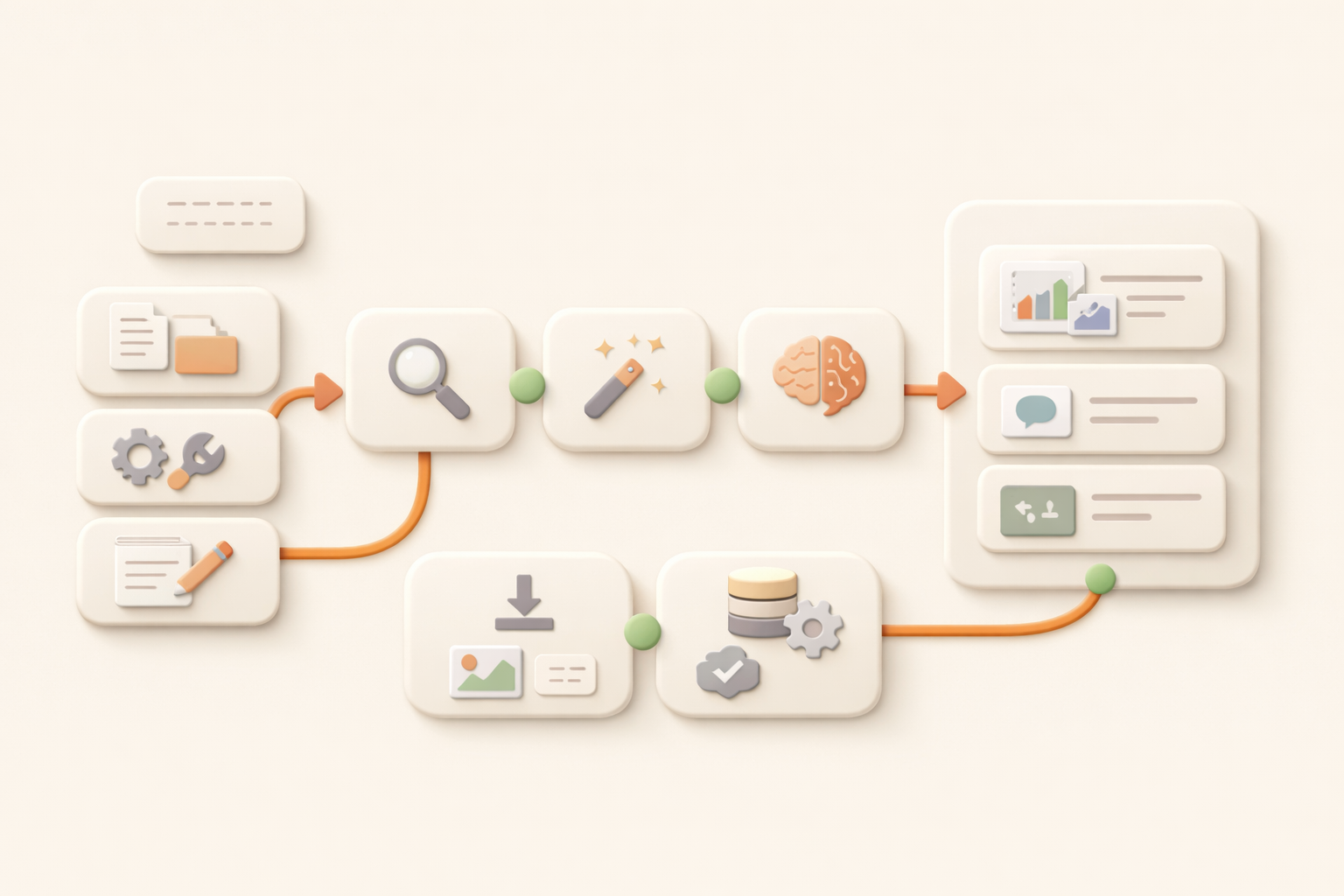
Gli esempi di workflow AI diventano chiari quando smetti di pensare ai prompt e inizi a pensare al lavoro ricorrente. Un buon workflow AI prende un processo ripetitivo, raccoglie il contesto, esegue i passaggi e lascia un risultato che il team può rivedere, riutilizzare e migliorare.
In Kuse, questo significa uno spazio di lavoro persistente con file, output, strumenti connessi e attività pianificate. Non è solo un messaggio di un assistente AI. È un sistema che continua a produrre lavoro.
Ecco 10 esempi pratici di workflow AI in diversi settori. Ogni esempio mostra il problema, cosa fa il workflow e quale output aspettarsi.
10 esempi di workflow AI
| Example | Problem | Workflow | Output |
|---|---|---|---|
| 1. Sales lead research | Sales teams waste hours opening tabs before every outreach push. | Kuse gathers company info, role context, recent signals, and prior notes, then prepares account briefs and follow-up angles. | A ranked lead brief, outreach notes, and a saved research folder. |
| 2. Meeting prep | Managers walk into calls without enough context because notes live across calendars, docs, and messages. | Kuse pulls attendee context, past notes, open tasks, and relevant documents before the meeting. | A meeting prep brief with agenda, risks, and suggested questions. |
| 3. Weekly status reports | Teams spend Friday chasing updates and rewriting scattered progress into a readable report. | Kuse checks project files and updates, summarizes progress, flags blockers, and drafts the report. | A ready-to-review weekly status report saved in the right folder. |
| 4. Marketing content repurposing | One good asset rarely becomes every channel asset because adaptation is manual. | Kuse turns a long article, webinar, or report into posts, newsletters, and slides while keeping the core message consistent. | A multi-channel content pack with source links and draft copy. |
| 5. Customer support triage | Support teams lose time sorting repeated questions and deciding what needs escalation. | Kuse groups incoming messages, detects urgency, drafts replies, and records recurring issues. | A triage queue, reply drafts, and a weekly issue summary. |
| 6. Finance expense reporting | Receipts, notes, and transactions arrive in different formats and need cleanup. | Kuse extracts details, categorizes spend, checks missing fields, and creates structured reports. | A clean expense spreadsheet and exception list. |
| 7. Education lesson planning | Teachers reuse materials but still spend hours adapting them for each class. | Kuse reads past lesson plans, standards, and student context, then drafts updated plans and worksheets. | A lesson plan pack with activities, materials, and follow-up tasks. |
| 8. Legal research organization | Legal work requires source discipline, but research notes often become fragmented. | Kuse collects sources, summarizes findings, links citations, and organizes evidence into folders. | A research memo with source cards and open questions. |
| 9. Consulting proposal drafting | Consultants repeat proposal structure but must tailor every deck to the client. | Kuse reads the brief, past proposal examples, research notes, and pricing inputs, then drafts a client-ready outline. | A proposal draft, assumptions list, and supporting research folder. |
| 10. Operations process monitoring | Operations teams know the process, but people forget steps and deadlines. | Kuse tracks recurring checks, finds missing updates, pings the right context, and keeps an output log. | A process tracker, blocker summary, and audit trail. |
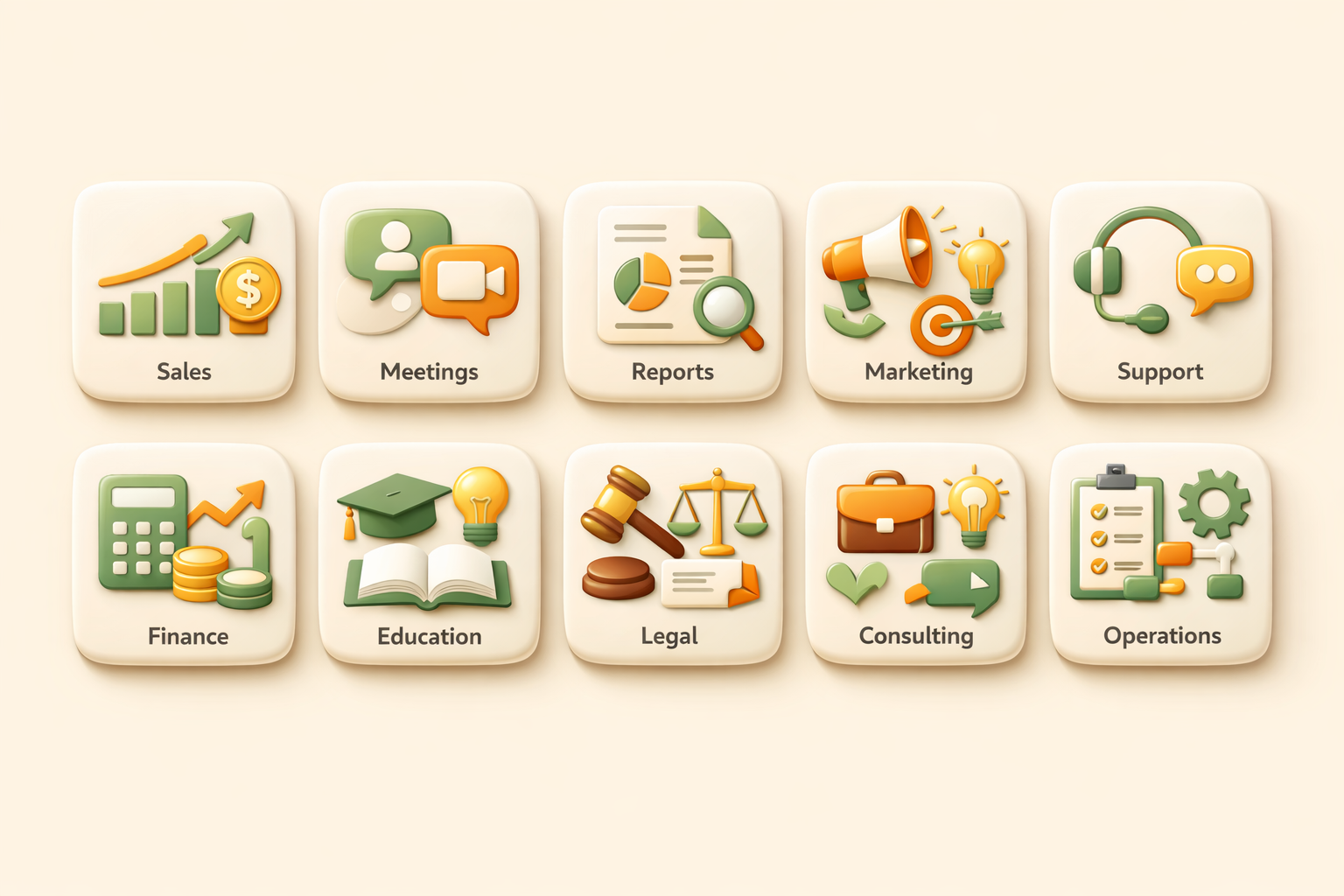
Tabella comparativa: lavoro manuale vs workflow AI
| Dimensione | Manuale | Workflow AI |
|---|---|---|
| Avvio | Una persona deve ricordarsi di iniziare. | Un orario, un segnale o una richiesta avvia il processo. |
| Contesto | Il contesto viene raccolto da memoria, tab e vecchi file. | Kuse raccoglie file, strumenti connessi e cronologia. |
| Output | I risultati finiscono in messaggi o fogli sparsi. | I risultati vengono salvati come file strutturati. |

La tabella chiarisce la struttura. Il passo successivo è scegliere un workflow ristretto in cui fonti di input e output finale siano già chiari.
Come scegliere il primo workflow da automatizzare
Inizia da un lavoro che si ripete ogni settimana, usa le stesse fonti e produce un output riconoscibile. Report, brief, tracker, sintesi di ricerca e pacchetti di contenuti sono buoni candidati.
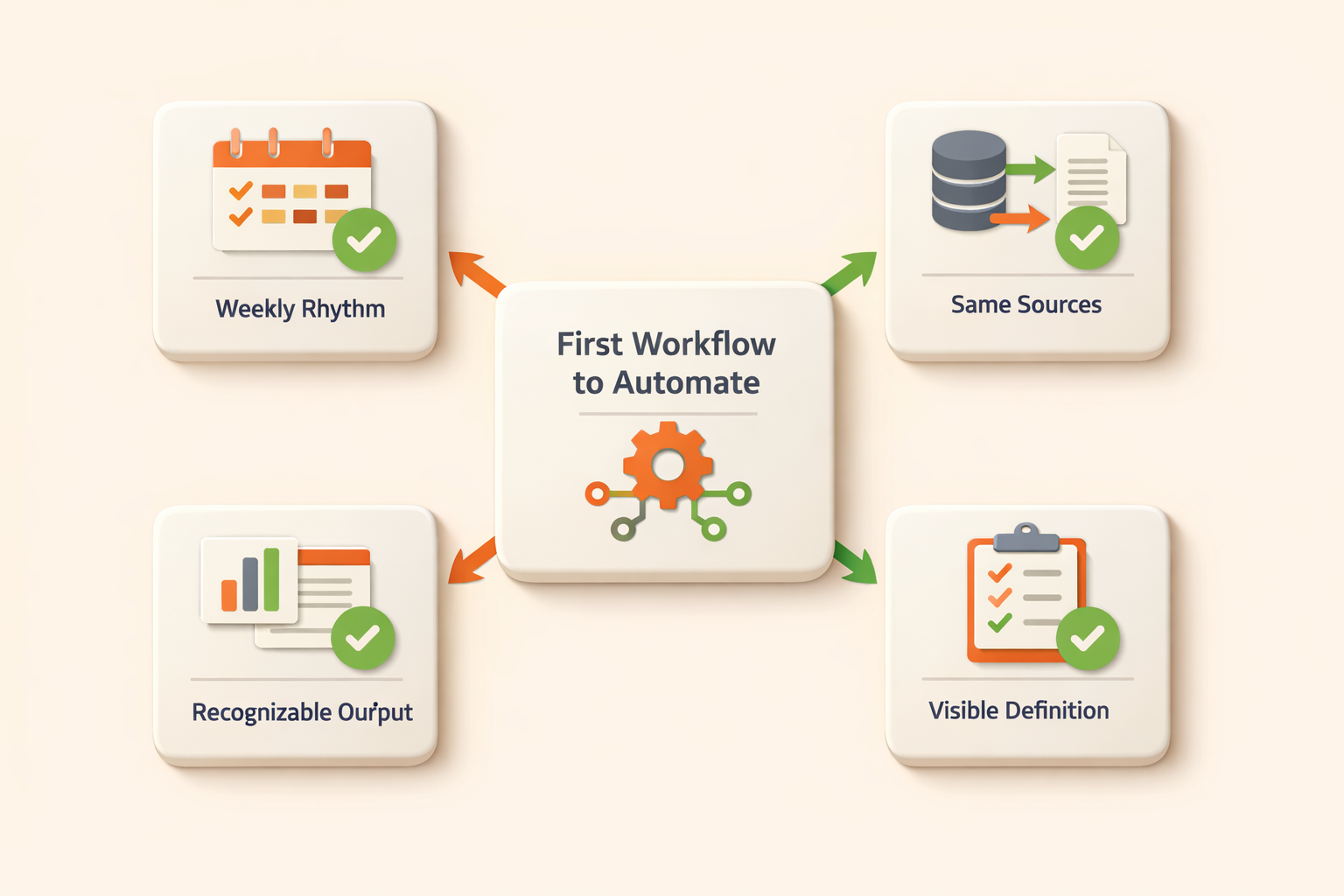
Evita processi senza un proprietario chiaro o senza un output standard. L’automazione dei workflow AI funziona meglio quando la definizione di completato è visibile.
FAQ
Che cos è un esempio di workflow AI?
È un processo ripetibile in cui l AI raccoglie contesto, esegue passaggi e produce un output riutilizzabile.
In cosa differisce da un prompt?
Un prompt è una richiesta singola. Un workflow AI è un sistema ripetibile con contesto, passaggi e output.
Start building with Kuse
Kuse turns recurring work into an AI workflow with memory, connected tools, and reusable outputs. Try Kuse for free and build a workflow that keeps working after the chat ends.