AI Workflow Examples: 10 Real Use Cases Across Industries
Explore 10 practical AI workflow examples across sales, marketing, operations, finance, education, legal, consulting, and more.
What makes an AI workflow useful?
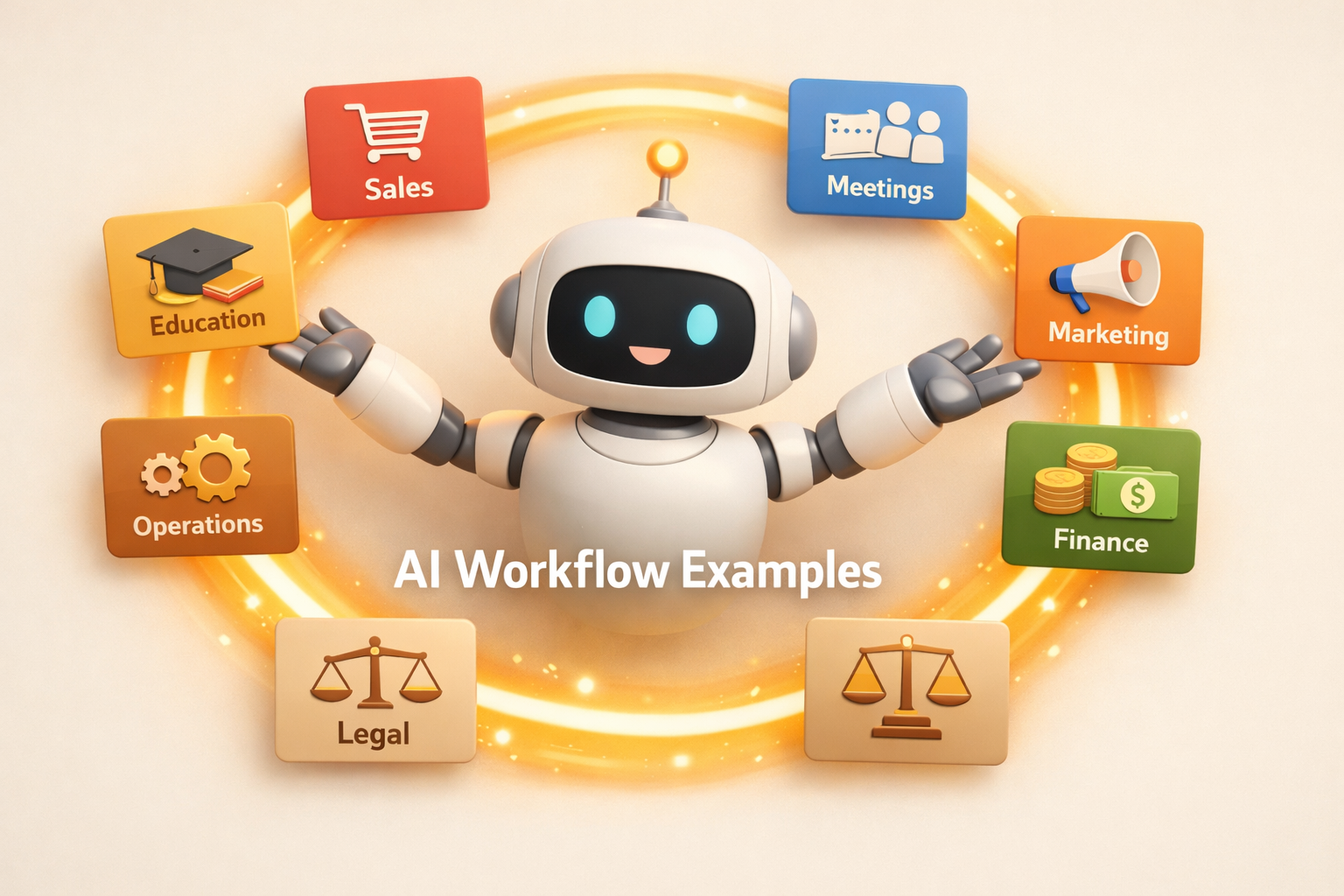
AI workflow examples are easiest to understand when you stop thinking about chat prompts and start thinking about repeatable work. A useful AI workflow takes a recurring process, gathers the context, runs the steps, and leaves behind a result that people can review, reuse, and improve.
In Kuse, that usually means a persistent workspace with files, outputs, connected tools, and scheduled work. The workflow is not just a message from an AI assistant. It is a system that keeps producing work.
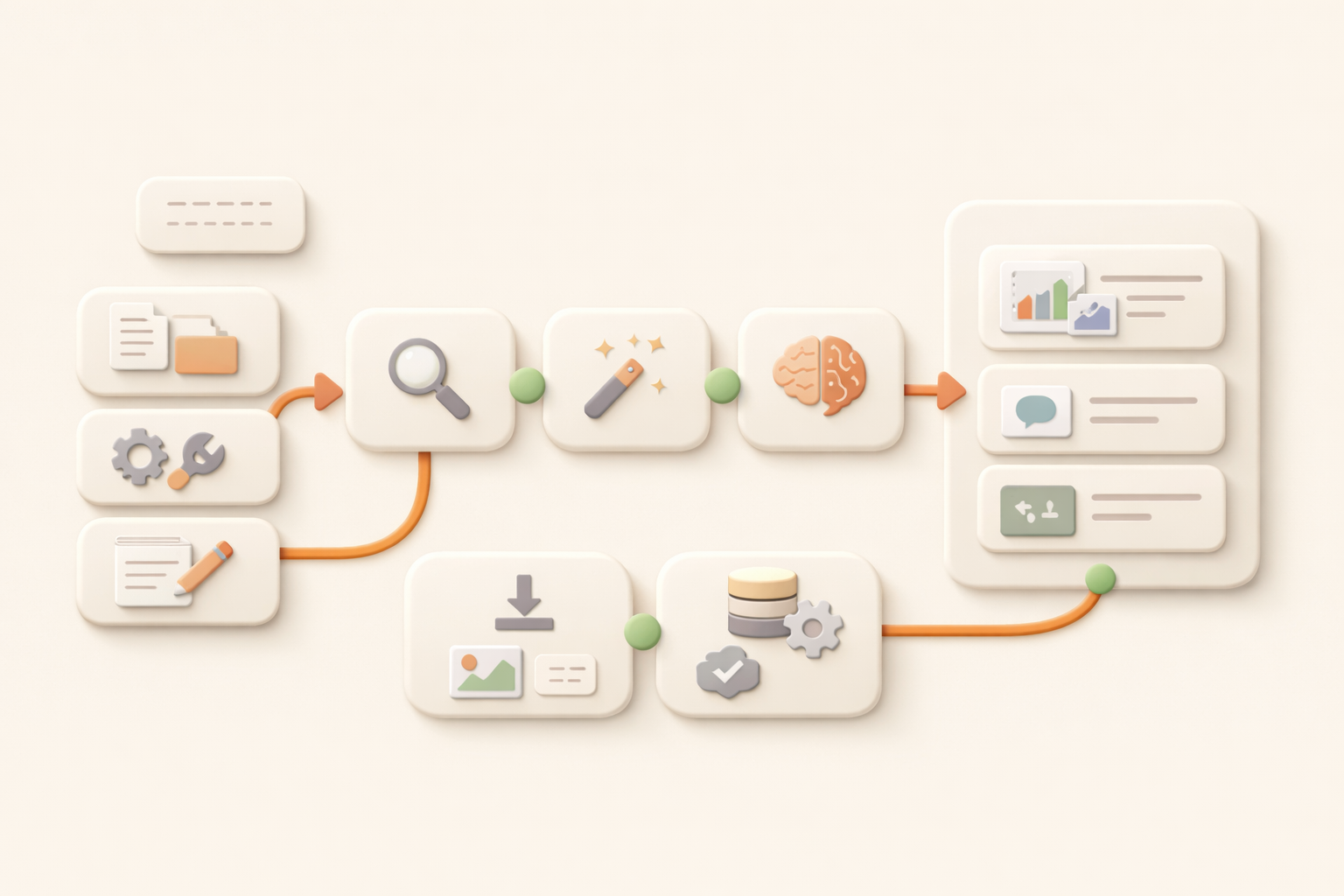
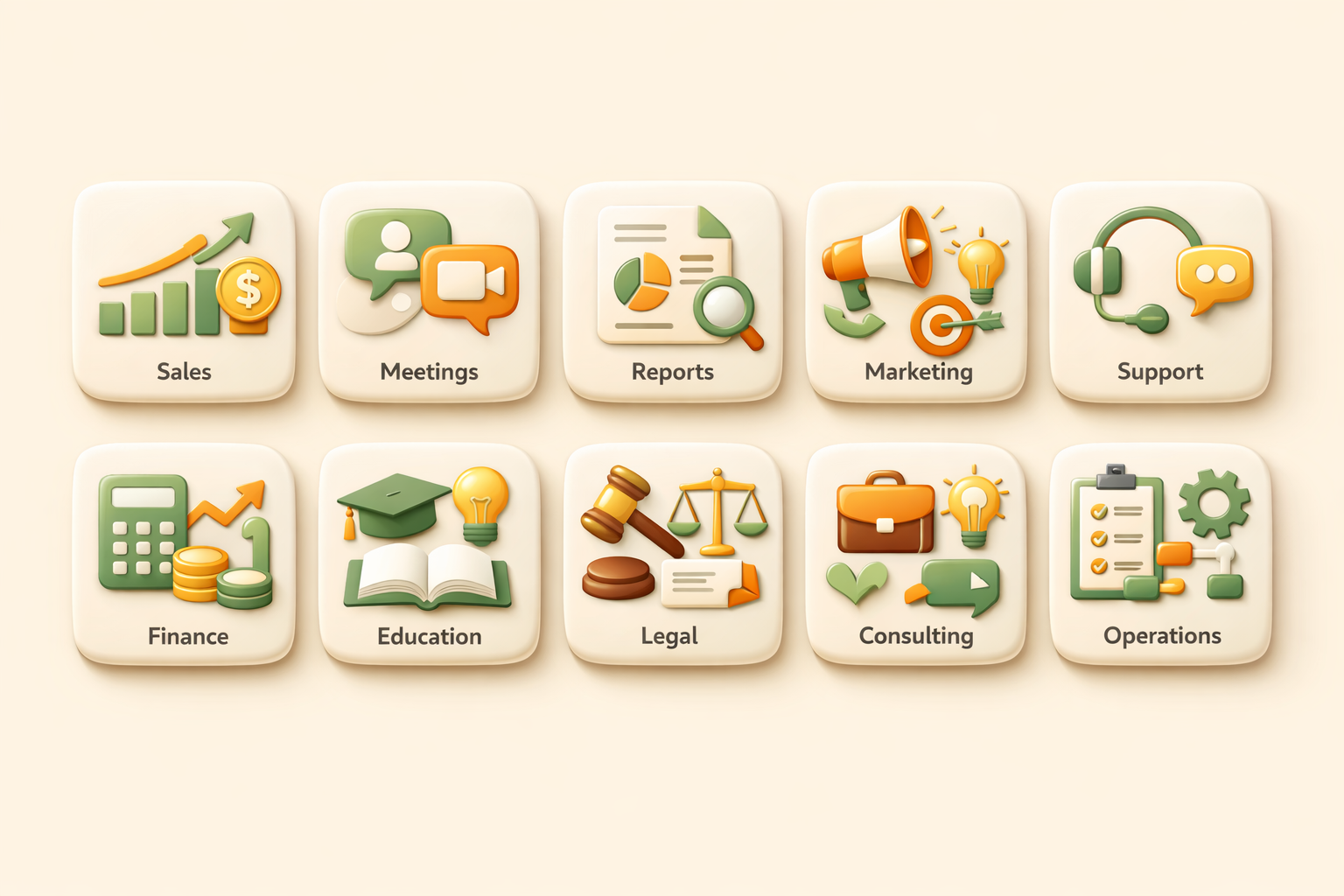
Below are 10 practical AI workflow examples across industries. Each one shows the business problem, what the workflow does, and what output a team should expect.
10 AI workflow examples across industries
| Example | Problem | Workflow | Output |
|---|---|---|---|
| 1. Sales lead research | Sales teams waste hours opening tabs before every outreach push. | Kuse gathers company info, role context, recent signals, and prior notes, then prepares account briefs and follow-up angles. | A ranked lead brief, outreach notes, and a saved research folder. |
| 2. Meeting prep | Managers walk into calls without enough context because notes live across calendars, docs, and messages. | Kuse pulls attendee context, past notes, open tasks, and relevant documents before the meeting. | A meeting prep brief with agenda, risks, and suggested questions. |
| 3. Weekly status reports | Teams spend Friday chasing updates and rewriting scattered progress into a readable report. | Kuse checks project files and updates, summarizes progress, flags blockers, and drafts the report. | A ready-to-review weekly status report saved in the right folder. |
| 4. Marketing content repurposing | One good asset rarely becomes every channel asset because adaptation is manual. | Kuse turns a long article, webinar, or report into posts, newsletters, and slides while keeping the core message consistent. | A multi-channel content pack with source links and draft copy. |
| 5. Customer support triage | Support teams lose time sorting repeated questions and deciding what needs escalation. | Kuse groups incoming messages, detects urgency, drafts replies, and records recurring issues. | A triage queue, reply drafts, and a weekly issue summary. |
| 6. Finance expense reporting | Receipts, notes, and transactions arrive in different formats and need cleanup. | Kuse extracts details, categorizes spend, checks missing fields, and creates structured reports. | A clean expense spreadsheet and exception list. |
| 7. Education lesson planning | Teachers reuse materials but still spend hours adapting them for each class. | Kuse reads past lesson plans, standards, and student context, then drafts updated plans and worksheets. | A lesson plan pack with activities, materials, and follow-up tasks. |
| 8. Legal research organization | Legal work requires source discipline, but research notes often become fragmented. | Kuse collects sources, summarizes findings, links citations, and organizes evidence into folders. | A research memo with source cards and open questions. |
| 9. Consulting proposal drafting | Consultants repeat proposal structure but must tailor every deck to the client. | Kuse reads the brief, past proposal examples, research notes, and pricing inputs, then drafts a client-ready outline. | A proposal draft, assumptions list, and supporting research folder. |
| 10. Operations process monitoring | Operations teams know the process, but people forget steps and deadlines. | Kuse tracks recurring checks, finds missing updates, pings the right context, and keeps an output log. | A process tracker, blocker summary, and audit trail. |
Comparison table: manual work vs AI workflow
| Dimension | Manual | AI workflow |
|---|---|---|
| Trigger | A person remembers to start the task. | A schedule, signal, or plain-language request starts the process. |
| Context | Context is gathered from memory, tabs, and old files. | Kuse pulls from files, connected tools, and saved workspace history. |
| Output | Results are often copied into a message or spreadsheet. | Results are saved as structured files that can be reused. |
| Improvement | The process changes only when someone rewrites it. | The workflow can be adjusted in natural language and rerun. |

The table gives the structure. The next step is to pick one narrow workflow where the input sources and final output are already clear.
How to choose the first workflow to automate
Start with work that happens every week, requires the same sources, and produces a recognizable output. Good candidates include reports, briefs, trackers, research summaries, and content packs.
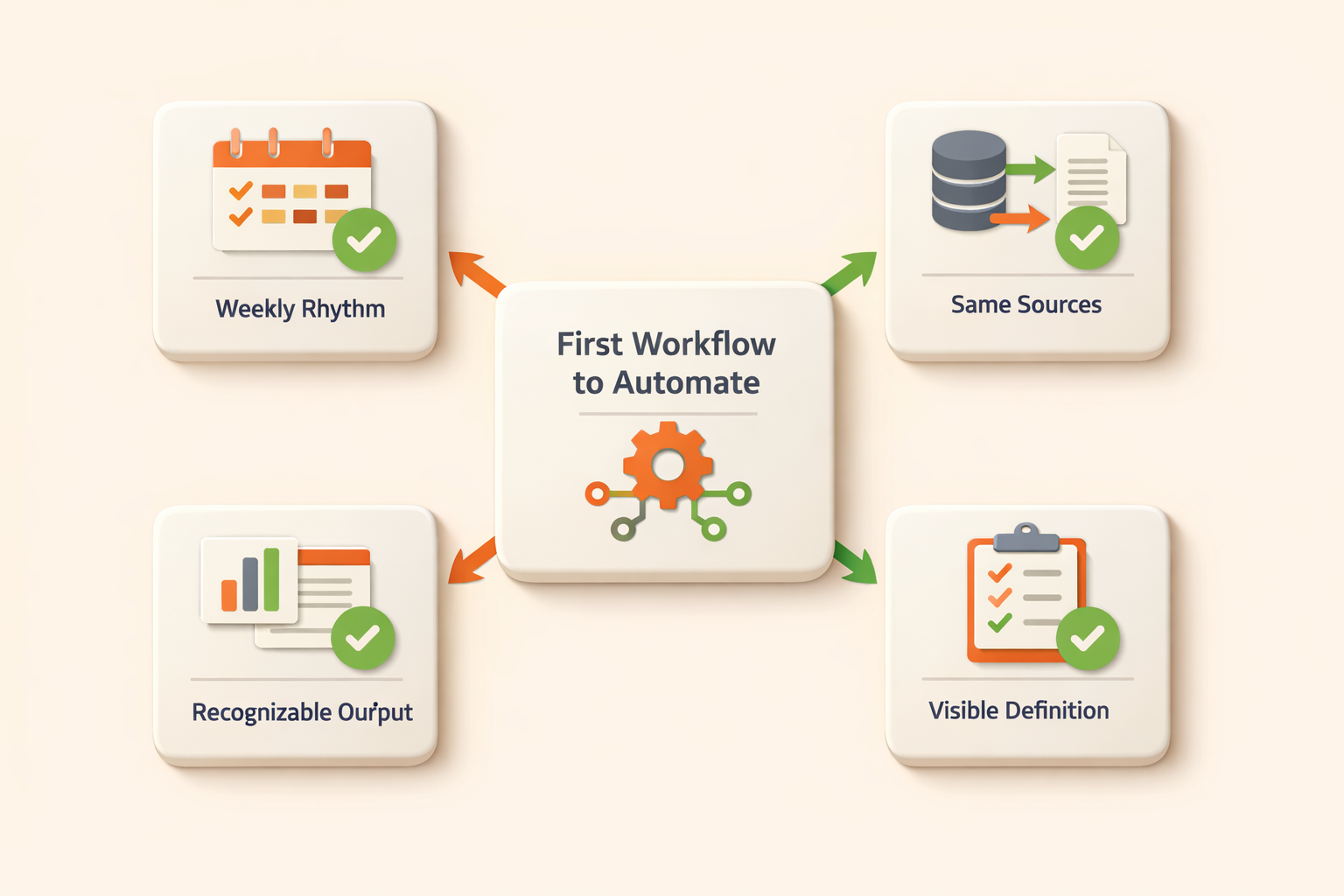
Avoid starting with a process that has unclear ownership or no standard output. AI workflow automation works best when the definition of done is visible.
Where Kuse fits
Kuse is built for AI workflows that need memory and deliverables. Instead of losing the result in a chat, Kuse saves the work inside a file system and lets you keep improving the process.
For a deeper explanation of the product layer, read the AI Workflow page. For the broader cluster, read AI Workflow: The Complete Guide to Intelligent Automation.
FAQ
What is an AI workflow example?
An AI workflow example is a repeatable process where AI gathers context, performs steps, and produces a reusable output, such as a weekly report or sales lead brief.
How is an AI workflow different from a prompt?
A prompt is one request. An AI workflow is a repeatable system with context, steps, outputs, and often a schedule or trigger.
What is the best first AI workflow to build?
Pick a recurring task with clear inputs and a clear output, such as meeting prep, status reporting, lead research, or content repurposing.
Do AI workflows replace workflow automation tools?
Sometimes. Traditional tools are good for fixed trigger-action paths. AI workflows are better when the task needs judgment, writing, synthesis, and flexible outputs.
Start building with Kuse
Kuse turns recurring work into an AI workflow with memory, connected tools, and reusable outputs. Try Kuse for free and build a workflow that keeps working after the chat ends.