8 best Tools for Coding Collaboration in 2026
Discover the 8 best tools for coding collaboration in 2026. From GitHub and GitLab to real-time pair programming in VS Code, find the perfect stack to streamline your team’s workflow and ship better code faster.

Software development has always been a team sport. But the way developers work together has changed dramatically over the past few years. Remote work is no longer the exception. Distributed teams span time zones. And the old days of gathering around a single monitor for code reviews feel like ancient history.
The market for collaborative coding tools continues to grow rapidly. Development teams now expect more than basic version control. They want integrated code review, automated testing, real-time editing, and AI assistance built into their workflows.
Finding the right tools for coding collaboration can make or break your development workflow. The best platforms help teams write better code, catch bugs faster, and ship products without the friction of constant context switching. Whether you need pull request workflows for async code review or real-time pair programming sessions, there is a tool built for your specific needs.
This guide covers eight of the best collaborative coding tools available in 2026. Some focus on version control and code review. Others specialize in live editing and pair programming. All of them help development teams work together more effectively. And with AI features becoming standard across many platforms, understanding how human AI collaboration fits into your coding workflow matters more than ever.
1. GitHub

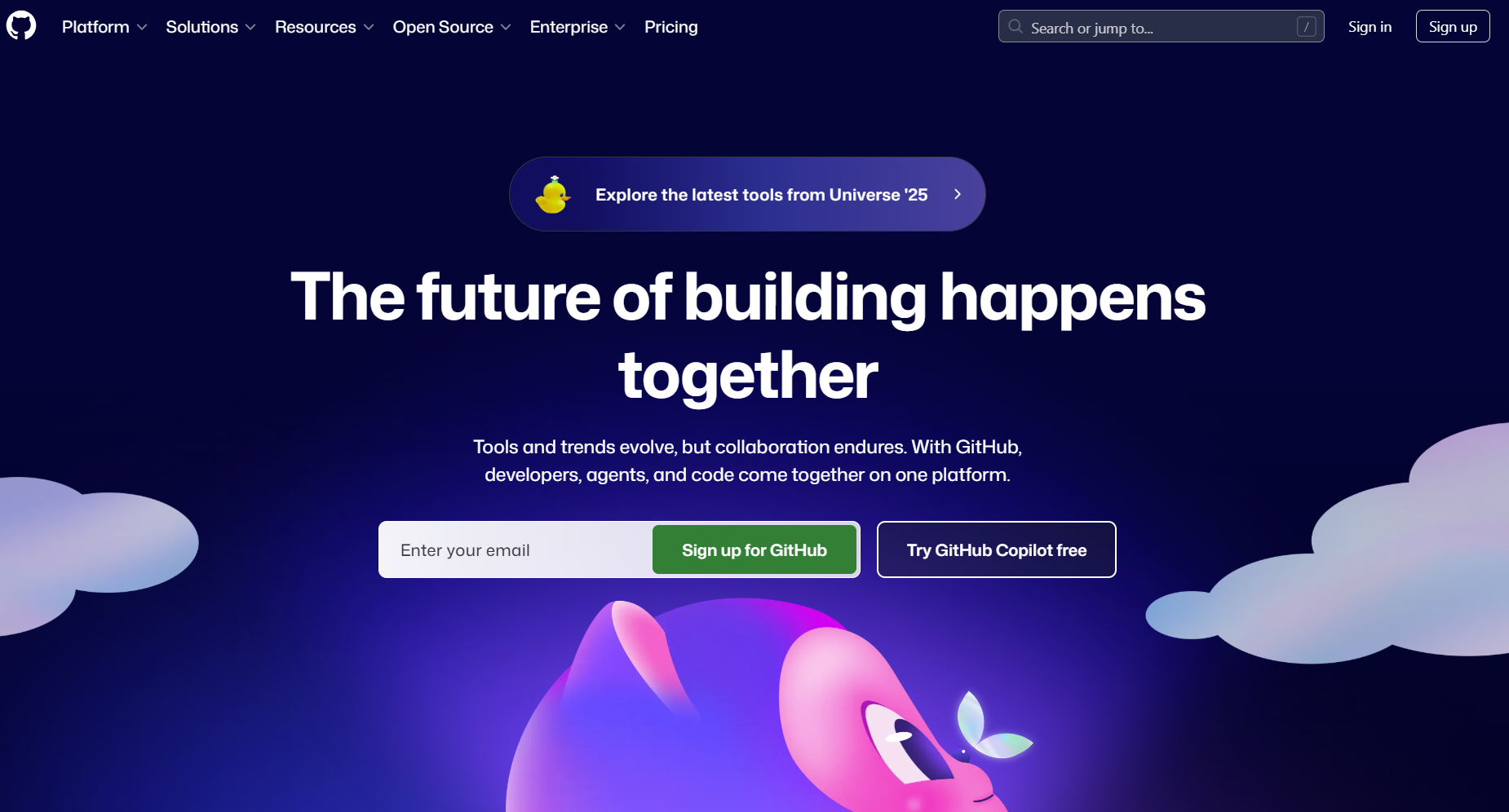
GitHub is the most widely used platform for collaborative software development. It hosts over 100 million developers and more than 420 million repositories. The platform combines Git-based version control with powerful code review tools that help teams maintain code quality at scale.
Pull requests are the heart of GitHub's collaboration model. Developers create branches, make changes, and open pull requests for team review. This async workflow works well for distributed teams because reviewers can examine code on their own schedule.
Core Features:
- Pull requests with inline code comments, review discussions, and approval workflows
- Required reviews and branch protection rules that prevent merging without proper sign-off
- GitHub Actions for automated testing, building, and deployment on every commit
- Codespaces for cloud-based development environments that spin up in seconds
- GitHub Copilot integration for AI-assisted code suggestions directly in your editor
- Project boards and issues for tracking work alongside your code
Pricing:
- Free: Unlimited public and private repos, 2,000 CI/CD minutes per month
- Team: $4 per user per month with 3,000 CI/CD minutes and required reviewers
- Enterprise: $21 per user per month with advanced security and compliance features
Best For:
Teams of any size that want PR-based collaboration with the largest developer community and ecosystem of integrations.
2. GitLab

GitLab takes a different approach than GitHub by bundling everything into one platform. Version control, CI/CD, issue tracking, security scanning, and deployment all live under one roof. This makes GitLab popular with teams that want to consolidate their DevOps toolchain.
Merge requests serve the same purpose as GitHub's pull requests. You push changes to a branch and request that teammates review your work. But GitLab adds deeper integration with its other features. Code review can trigger automated security scans. Approvals can require sign-off from specific teams before merging.
Core Features:
- Merge requests with approval rules and required reviews that vary by tier
- Built-in CI/CD pipelines with 400 to 50,000 compute minutes depending on plan
- Code quality reports and security scanning integrated into merge request reviews
- GitLab Duo AI for code suggestions, chat assistance, and automated testing
- Issue boards and milestones for project management within the same interface
- Self-hosted or cloud options for teams with specific compliance requirements
Pricing:
- Free: Up to 5 users for private repos, 400 CI/CD minutes per month
- Premium: $29 per user per month with 10,000 CI/CD minutes and advanced permissions
- Ultimate: $99 per user per month with 50,000 CI/CD minutes and full security suite
Best For:
Development teams that want repository hosting, planning, CI/CD, and code review unified in a single platform.
3. Bitbucket

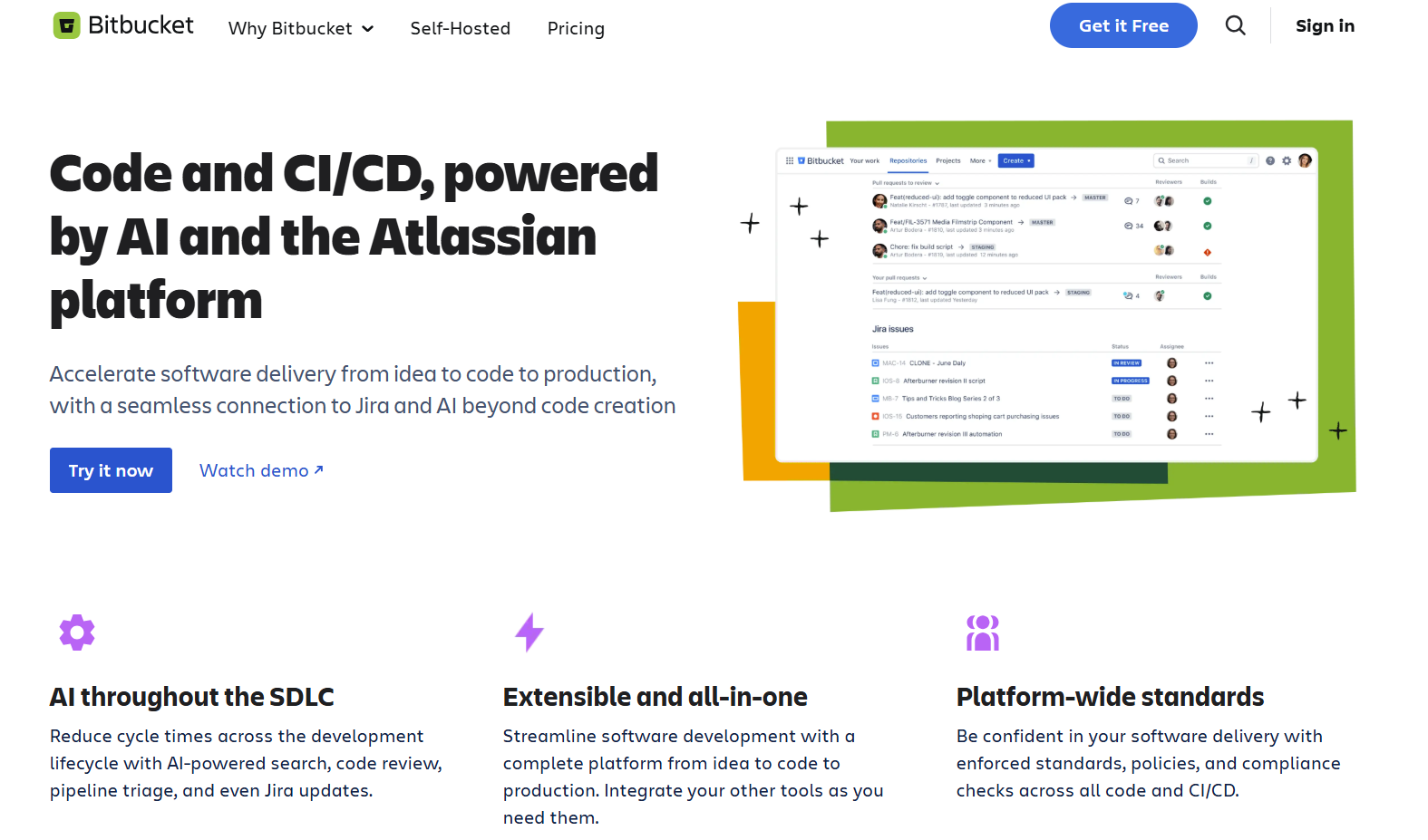
Bitbucket is Atlassian's source code repository. Its biggest advantage is tight integration with Jira and other Atlassian products. If your team already uses Jira for project management, Bitbucket creates a seamless connection between your code and your tickets.
Pull requests in Bitbucket work similarly to GitHub and GitLab. You can add reviewers, leave comments on specific lines, and require approvals before merging. Build status checks from Bitbucket Pipelines show whether your code passes automated tests. And every commit can link back to a Jira issue automatically.
Core Features:
- Pull requests with build status checks, review-by-diff, and inline comments
- Bitbucket Pipelines for CI/CD with 50 to 3,500 build minutes depending on plan
- Native Jira integration that links commits, branches, and pull requests to issues
- Branch permissions and merge checks to enforce team standards
- IP allowlisting and required two-factor authentication on Premium plans
- Smart Mirroring for faster clone speeds across distributed teams
Pricing:
- Free: Up to 5 users with unlimited private repos and 50 build minutes per month
- Standard: $3 per user per month with 2,500 build minutes
- Premium: $6 per user per month with 3,500 build minutes and advanced security
Best For:
Teams already using Jira and other Atlassian tools who want their code repository tightly connected to project management.
4. Azure DevOps (Azure Repos)

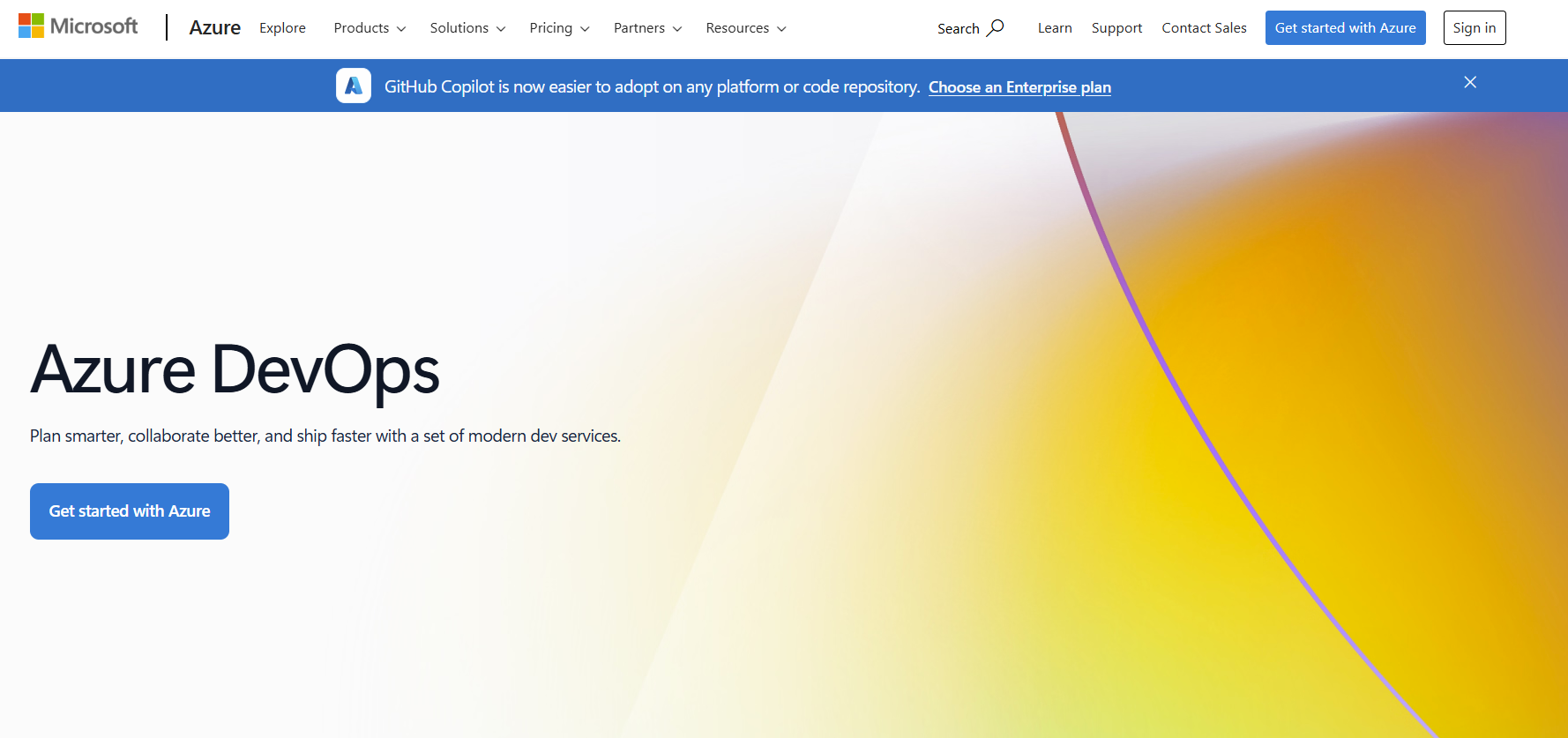
Azure DevOps is Microsoft's complete DevOps platform. Azure Repos provides Git repositories with pull request workflows designed for enterprise teams. The platform integrates deeply with Visual Studio, VS Code, and other Microsoft tools.
Pull requests in Azure Repos include voting options where reviewers can approve, approve with suggestions, wait for author, or reject changes. Branch policies let you require specific reviewers for certain file paths. And work items from Azure Boards link directly to your code changes.
Core Features:
- Pull requests with vote-based approvals and branch policies for required reviewers
- Integration with Azure Boards for linking code changes to work items and sprints
- Azure Pipelines for CI/CD with 1,800 free Microsoft-hosted minutes per month
- Built-in wiki, test plans, and artifacts management in one platform
- Tight Visual Studio and VS Code integration for familiar development workflows
- Self-hosted agent support for teams with specific infrastructure requirements
Pricing:
- Free: First 5 users with full Basic access and unlimited stakeholders
- Basic: $6 per user per month after the first 5 users
- Basic + Test Plans: $52 per user per month for advanced testing capabilities
Best For:
Enterprise teams in the Microsoft ecosystem who want full DevOps capabilities with Azure integration.
5. VS Code Live Share

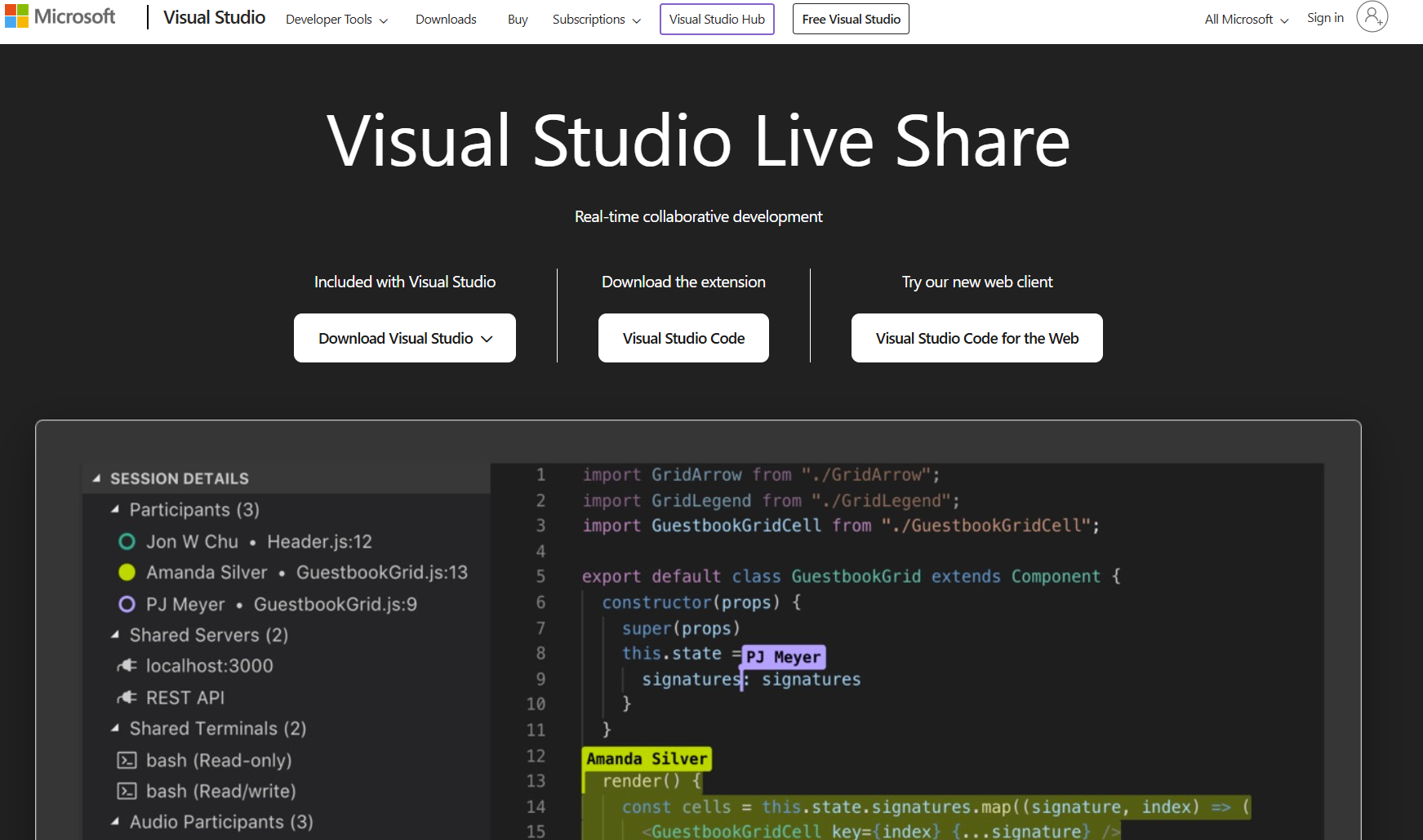
Visual Studio Code Live Share brings real-time collaboration directly into VS Code. Instead of async code review, Live Share lets multiple developers edit the same codebase simultaneously. You can see your teammates' cursors moving through files and watch them type in real time.
Live Share goes beyond simple editing. You can share terminal sessions, forward local ports, and even debug together. One developer can step through code while others watch and assist. This makes it excellent for pair programming and teaching scenarios.
Core Features:
- Real-time co-editing where multiple developers type in the same files simultaneously
- Co-debugging with shared breakpoints and the ability to step through code together
- Terminal sharing and local server port forwarding for full context collaboration
- Built-in chat for communication without leaving your editor
- Guest access without requiring teammates to clone repos or install dependencies
- Works across VS Code and Visual Studio on any operating system
Pricing:
- Free: Included with VS Code at no cost
- All collaboration features available without paid subscription
Best For:
Developers using VS Code who want real-time pair programming and collaborative debugging without switching tools.
6. JetBrains Code With Me

Code With Me is JetBrains' answer to collaborative coding. It integrates directly into IntelliJ IDEA, PyCharm, WebStorm, and other JetBrains IDEs. Teams that already use JetBrains tools can start pair programming sessions without changing their development environment.
The experience mirrors what you would expect from JetBrains. Full IDE features remain available during collaboration. Smart code insights, navigation, and refactoring tools work for everyone in the session. Guests can join through a lightweight client even without a JetBrains IDE installed.
Core Features:
- Real-time collaboration with shared editing, debugging, and terminal access
- Full IDE features including code completion, refactoring, and navigation for all participants
- Audio and video calls built directly into the collaborative session
- Granular permission controls letting hosts decide what guests can access
- Session participants can follow each other or navigate independently
- On-premises option available for teams with strict security requirements
Pricing:
- Community: Free with 30-minute session limits and up to 3 guests
- Premium: $5 per month with unlimited sessions and up to 50 guests (free with JetBrains IDE subscription)
- Enterprise: $400 per user per year for on-premises deployment with up to 100 guests
Best For:
Teams using JetBrains IDEs who want pair programming and mob programming with full IDE functionality.
7. Replit (Multiplayer)

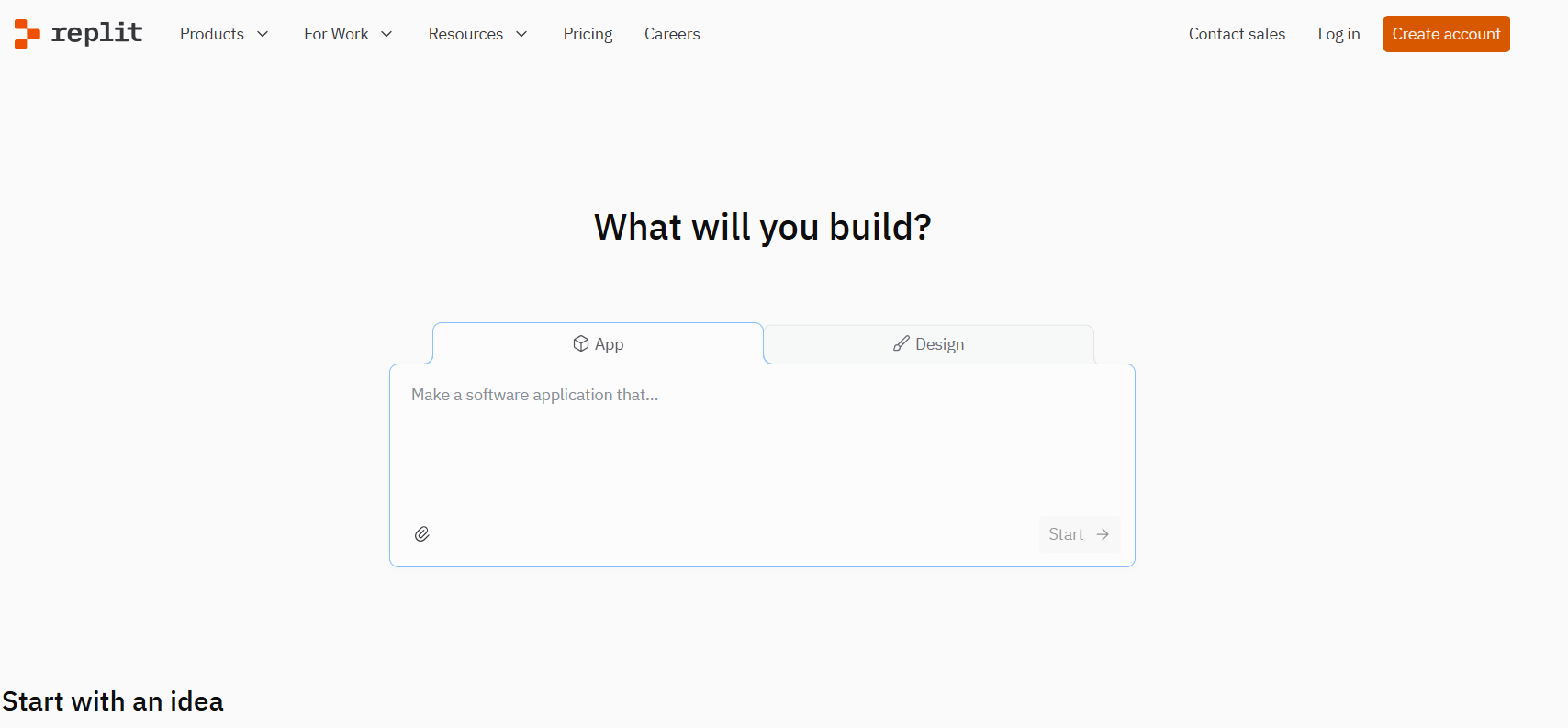
Replit is a browser-based development environment that makes coding accessible from any device. Its Multiplayer feature allows multiple users to work in the same workspace simultaneously. No setup required. Just share a link and start coding together.
What sets Replit apart is its focus on simplicity. There are no repositories to clone, no dependencies to install, and no environment configuration headaches. Everything runs in the cloud. This makes Replit popular for teaching, prototyping, and quick collaborative projects.
Core Features:
- Browser-based IDE with real-time multiplayer editing for up to 4 concurrent users
- Support for over 50 programming languages without local setup
- Built-in deployment that takes projects live with one click
- Replit Agent AI assistant for code generation and debugging help
- Shared workspaces where team members can access the same projects
- Role-based access control and centralized billing on team plans
Pricing:
- Starter: Free with limited compute and public projects only
- Core: $25 per month with private projects, 4 vCPUs, and $25 in usage credits
- Teams: $40 per user per month with collaboration features and $40 in usage credits
Best For:
Teams wanting browser-based collaborative coding with zero setup, especially for prototyping and teaching.
8. CodePen

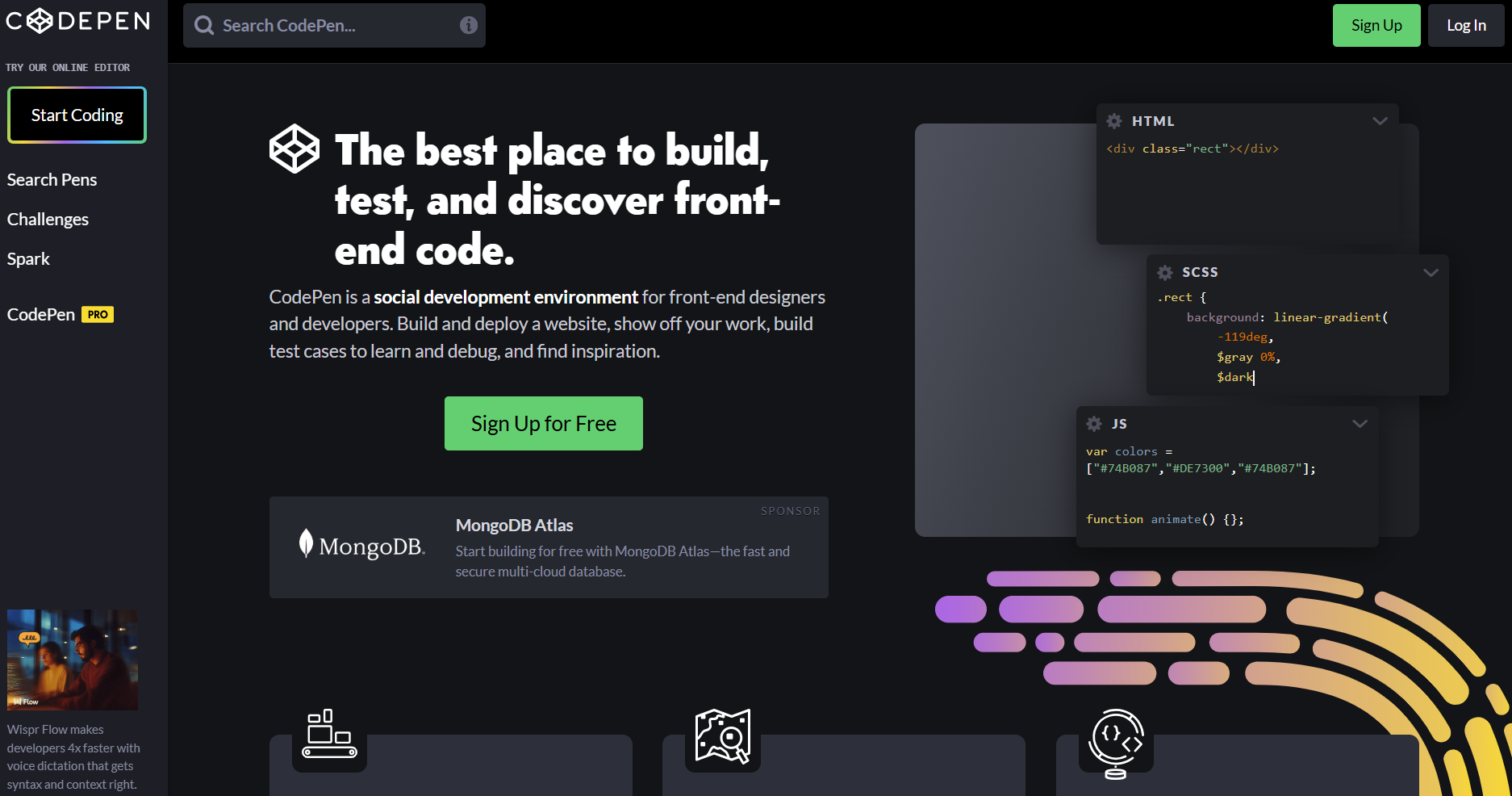
CodePen is built specifically for front-end developers. The platform lets you write HTML, CSS, and JavaScript with instant live previews. Changes appear immediately as you type. And sharing your work is as simple as copying a link.
Collab Mode turns CodePen into a real-time collaboration tool. Multiple people can edit the same Pen simultaneously. This works well for design teams iterating on UI components, developers demonstrating techniques, or instructors teaching front-end concepts.
Core Features:
- Live preview that updates instantly as you edit HTML, CSS, and JavaScript
- Collab Mode for real-time co-editing with multiple collaborators
- Professor Mode where students can watch an instructor code in real time
- Support for preprocessors including Sass, Less, and modern JavaScript frameworks
- Embeddable Pens that you can customize and add to documentation or blog posts
- Large community with millions of public Pens for inspiration and learning
Pricing:
- Free: Unlimited public Pens, 1 project with 10 files
- Starter: $8 per month with 2 GB asset storage and 2-person Collab Mode
- Developer: $12 per month with 10 GB storage and 6-person Collab Mode
- Teams: Custom pricing with shared team accounts and unlimited private Pens
Best For:
Front-end developers and designers who want instant feedback and easy sharing for HTML, CSS, and JavaScript work.
Choosing the Right Tool for Your Team
The best collaborative coding tool depends on how your team works. There is no single answer that fits every development organization. Start by examining your current workflow and identifying where collaboration breaks down.
Async-first teams that operate across time zones often prefer pull request workflows in GitHub, GitLab, or Bitbucket. These platforms excel at code review that does not require everyone online at the same time. A developer in London can open a pull request. A teammate in San Francisco reviews it hours later. The work progresses without scheduling constraints.
Teams that value real-time pairing should look at VS Code Live Share, Code With Me, or Replit. These tools shine when two or more developers need to solve problems together. You see each other's changes instantly. Debugging becomes a shared activity rather than a solo struggle. Complex bugs that might take one person hours can fall in minutes when two experienced developers tackle them together.
Consider your existing toolchain too. If you live in the Atlassian ecosystem, Bitbucket makes sense. Microsoft shops benefit from Azure DevOps integration. JetBrains users will feel right at home with Code With Me. Fighting against your existing infrastructure creates friction that slows teams down.
Team size matters as well. Small startups might find that a single platform handles everything they need. Enterprise organizations often require multiple tools working together. A large company might use GitHub for source control, Live Share for pair programming, and separate platforms for project collaboration and documentation.
And if your focus is specifically on visual collaboration tools for design and planning alongside code, you might need additional platforms that complement your coding workflow.
Getting the Most from Collaborative Coding
Great tools only work when teams use them well. A few practices make collaborative coding more effective regardless of which platform you choose.
Keep code reviews focused. Small pull requests with clear descriptions get reviewed faster and more thoroughly. Nobody wants to review a 2,000-line change on a Friday afternoon. Aim for changes that reviewers can understand in 15 to 30 minutes. Break larger features into logical chunks that build on each other.
Set clear expectations for response times. Async collaboration breaks down when pull requests sit for days without feedback. Agree on how quickly reviewers should respond. Many teams target 24 hours for initial review. Some high-velocity teams aim for same-day turnaround.
Use collaboration features for knowledge sharing. Pair programming sessions help junior developers learn from seniors. Code reviews teach everyone about unfamiliar parts of the codebase. A well-crafted pull request comment explaining why you chose a particular approach becomes documentation for future team members.
Document your workflows. New team members should understand how your team uses these tools. Write down your branching strategy, review requirements, and any automation you rely on. Include setup instructions for collaborative features. Nothing slows onboarding more than tribal knowledge that only exists in people's heads.
Balance synchronous and asynchronous work. Real-time collaboration works great for problem-solving sessions and knowledge transfer. But it also creates interruptions. Not every coding task needs a pair. Reserve live sessions for complex problems and use async reviews for straightforward changes.
Track what works. Pay attention to how long reviews take, how often builds break, and how quickly bugs get caught. These metrics help you understand whether your collaborative coding practices are improving over time.
Kuse: Connecting Your Collaboration Stack
The tools in this guide handle code collaboration well. But modern development involves more than code. Teams accumulate knowledge in documentation, chat conversations, meeting notes, and dozens of other places.
Kuse helps organize all that context. It works alongside your coding tools to keep information accessible and connected. When you need to understand why a decision was made or find that design document from three months ago, Kuse makes that knowledge easy to find.
The combination matters. Better collaboration tools get code written. Better knowledge management keeps teams aligned on why they are writing it.